
trackEvent function in Motia codebase.
In this article, we review trackEvent function in Motia codebase. We will look at:
-
trackEvent function.
-
Usage
Press enter or click to view image in full size
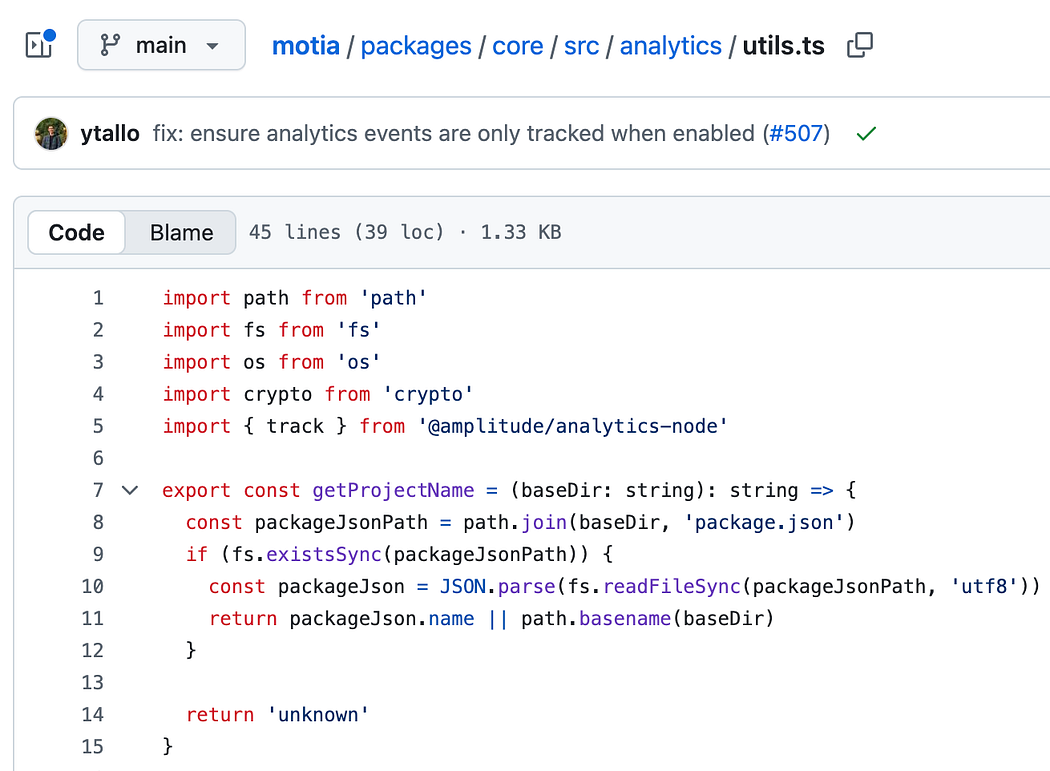
trackEvent function
You will find the following code in analytics/utils.ts
// eslint-disable-next-line @typescript-eslint/no-explicit-any
export const trackEvent = (eventName: string, properties: Record<string, any> = {}) => {
  try {
    if (isAnalyticsEnabled()) {
      track(eventName, properties, {
        user_id: getUserIdentifier() || 'unknown',
      })
    }
  } catch (error) {
    // Silently fail to not disrupt dev server
  }
}
track is imported at the top of this file as shown below:
import { track } from '@amplitude/analytics-node'
getUserIdentifier()
getUserIdentifier() is defined as shown below:
export const getUserIdentifier = (): string => {
  const userInfo = `${os.userInfo().username}${os.hostname()}`
  return crypto.createHash('sha256').update(userInfo).digest('hex').substring(0, 16)
}
Usage
Below is an example picked from call-step-file.ts
trackEvent('step_execution_started', {
      stepName: step.config.name,
      language: command,
      type: step.config.type,
      streams: streams.length,
})
It is recommended to name your events using snake_case in Amplitude, like in this one, ‘step_execution_started’.
About me:
Hey, my name is Ramu Narasinga. Email: ramu.narasinga@gmail.com
Tired of AI-generated code that works but nobody understands?
I spent 3+ years studying OSS codebases and wrote 350+ articles on what makes them production-grade. I built an open source tool that reviews your PR against your existing codebase patterns.
Your codebase. Your patterns. Enforced.