Wait, what’s a Proxy? The Proxy object enables you to create a proxy for another object, which can intercept and redefine fundamental operations for that object. (From the MDN docs). Valtio internally uses Proxy mechanism.
The below example is picked from MDN docs:
// Example 1:const target = { message1: "hello", message2: "everyone",};const handler1 = {};const proxy1 = new Proxy(target, handler1);console.log(proxy1.message1); // helloconsole.log(proxy1.message2); // everyone// Example 2:const target = { message1: "hello", message2: "everyone",};const handler2 = { get(target, prop, receiver) { return "world"; },};const proxy2 = new Proxy(target, handler2);console.log(proxy2.message1); // worldconsole.log(proxy2.message2); // world
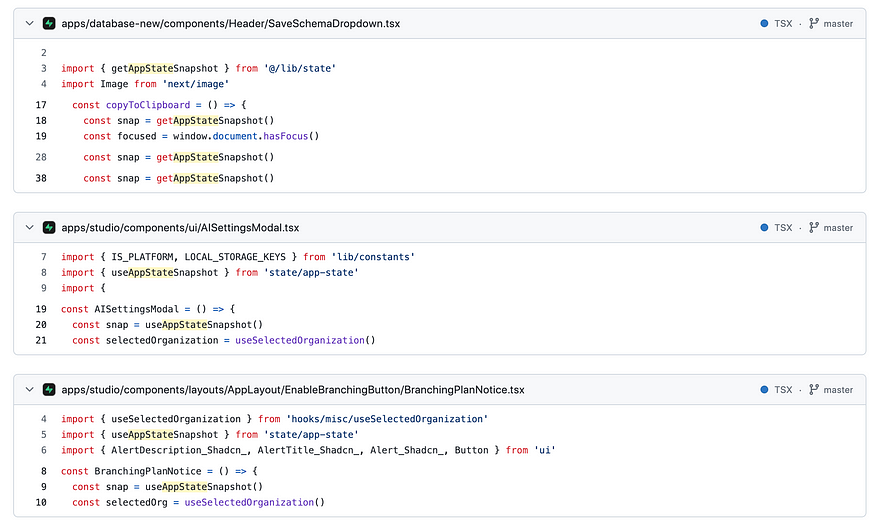
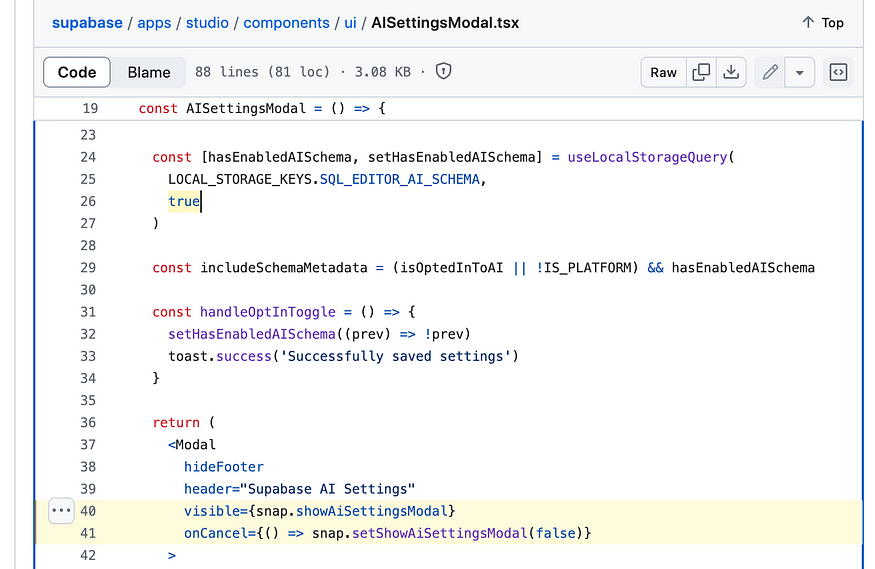
Create a local snapshot that catches changes. Rule of thumb: read from snapshots in render function, otherwise use the source. The component will only re-render when the parts of the state you access have changed, it is render-optimized.
// This will re-render on `state.count` change but not on `state.text` changefunction Counter() { const snap = useSnapshot(state) return ( <div> {snap.count} <button onClick={() => ++state.count}>+1</button> </div> )}
Hey, my name is Ramu Narasinga. I study large open-source projects and create content about their codebase architecture and best practices, sharing it through articles, videos.