Blog
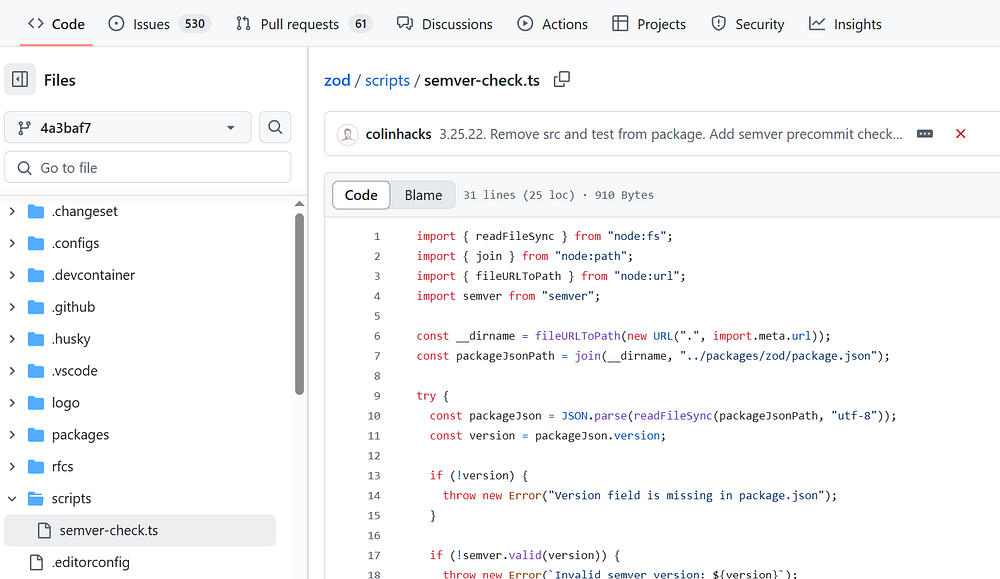
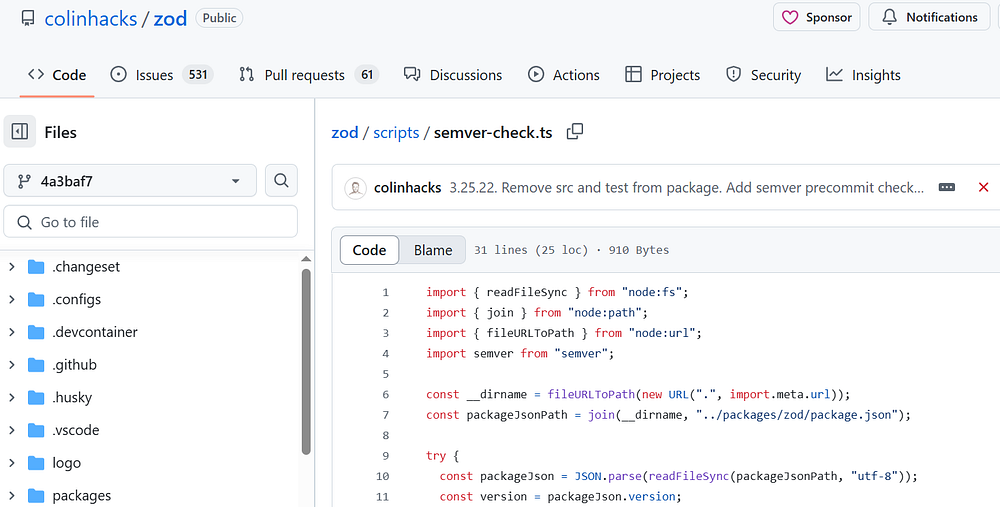
semver-check.ts file in Zod source code.

semver-check.ts file in Zod source code.

In this article, we will review semver-check.ts file in Zod source code. We will look at:

  1. Where is semver-check.ts file located in Zod codebase?

  2. What does the code inside semver-check.ts file tell us?

  3. How is semver-check used?

Where is semver-check.ts file located in Zod codebase?

You will find this semver-check.ts file located in zod codebase at https://github.com/colinhacks/zod/blob/4a3baf76f30048a89719018f4c5134f252debf94/scripts/semver-check.ts

What does the code inside semver-check.ts file tell us?

You will find the below code in semver-check.ts file:

import { readFileSync } from "node:fs";
import { join } from "node:path";
import { fileURLToPath } from "node:url";
import semver from "semver";

const __dirname = fileURLToPath(new URL(".", import.meta.url));
const packageJsonPath = join(__dirname, "../packages/zod/package.json");

try {
  const packageJson = JSON.parse(readFileSync(packageJsonPath, "utf-8"));
  const version = packageJson.version;

  if (!version) {
    throw new Error("Version field is missing in package.json");
  }

  if (!semver.valid(version)) {
    throw new Error(`Invalid semver version: ${version}`);
  }

  // check x.y.z format with regex
  const semverRegex = /^\d+\.\d+\.\d+$/;
  if (!semverRegex.test(version)) {
    throw new Error(`Version ${version} does not match x.y.z format`);
  }

  console.log(`Valid semver version: ${version}`);
} catch (error) {
  console.error(`Error: ${error.message}`);
  process.exit(1);
}
  1. Intialize packagejson and version
const packageJson = JSON.parse(readFileSync(packageJsonPath, "utf-8"));
const version = packageJson.version;

2. Version check: if there’s no version available, it will throw the error

if (!version) {
    throw new Error("Version field is missing in package.json");
  }

3. Check if version is valid

  if (!semver.valid(version)) {
    throw new Error(`Invalid semver version: ${version}`);
  }

4. Check x.y.z format with regex

 const semverRegex = /^\d+\.\d+\.\d+$/;
  if (!semverRegex.test(version)) {
    throw new Error(`Version ${version} does not match x.y.z format`);
  }
This semver-check.ts file checks if the version in package.json is a valid semver version.

How is semver-check.ts used?

I searched for semver-check.ts in Zod codebase.

In the package.json file, there is a script called semver-check. What it does is, it executes this file as shown below:

"semver-check": "tsx scripts/semver-check.ts"

This script is called in two places 

  1. The first one is in husky/pre-push.
#!/bin/sh
. "$(dirname "$0")/_/husky.sh"

pnpm test

pnpm semver-check

2. semver-check is also called in pre-commit file in .husky folder

#!/bin/sh
. "$(dirname "$0")/_/husky.sh"

pnpm semver-check
npx lint-staged --verbose

About me:

Hey, my name is Ramu Narasinga. I study large open-source projects and create content about their codebase architecture and best practices, sharing it through articles, videos.

Build Shadcn CLI from scratch.

Email — ramu@thinkthroo.com

My Github —  https://github.com/ramu-narasinga

My website —  https://ramunarasinga.com

My YouTube channel —  https://www.youtube.com/@ramu-narasinga

Learning platform —  https://thinkthroo.com

Codebase Architecture —  https://app.thinkthroo.com/architecture

Best practices —  https://app.thinkthroo.com/best-practices

Production-grade projects —  https://app.thinkthroo.com/production-grade-projects

References

  1. https://github.com/colinhacks/zod/blob/4a3baf76f30048a89719018f4c5134f252debf94/scripts/semver-check.ts

  2. https://github.com/search?q=repo%3Acolinhacks%2Fzod%20semver-check&type=code

  3. https://github.com/colinhacks/zod/blob/a73a3b3009735c6f82531393e65a82cad6b62e05/.husky/pre-push#L4

  4. https://semver.org/

We use cookies
We use cookies to ensure you get the best experience on our website. For more information on how we use cookies, please see our cookie policy.

By clicking "Accept", you agree to our use of cookies.

Learn more