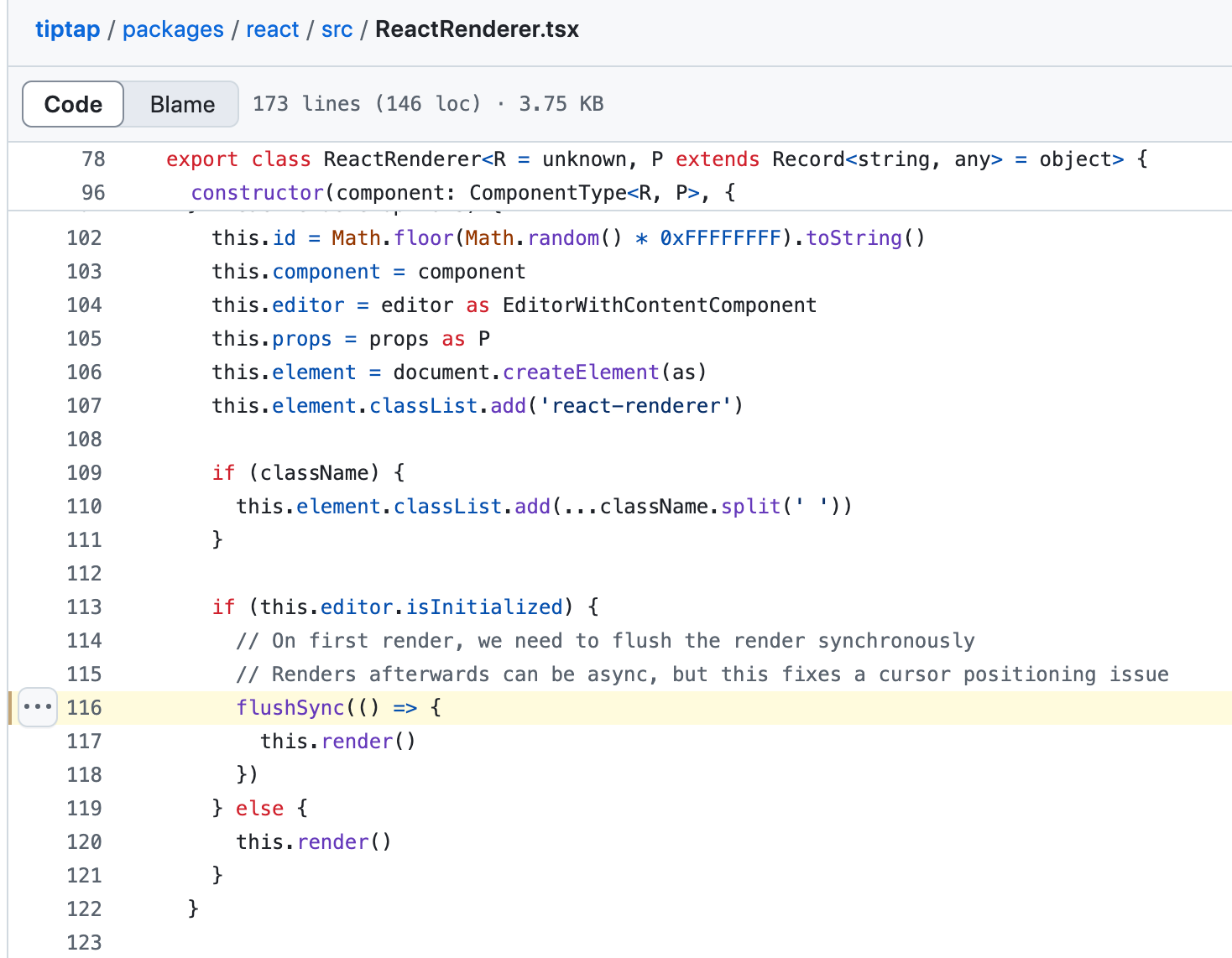
As I was reading through the file, ReactRenderer.tsx, I saw a function named flushSync in the constructor. This below code snippet is written inside constructor.
if (this.editor.isInitialized) { // On first render, we need to flush the render synchronously // Renders afterwards can be async, but this fixes a cursor positioning issue flushSync(() => { this.render() })} else { this.render()}
if (this.editor.isInitialized) { // On first render, we need to flush the render synchronously // Renders afterwards can be async, but this fixes a cursor // positioning issue flushSync(() => { this.render() })} else { this.render()}
The comment here explains why the flushSync API is used. It is to fix a cursor positioning issue, but what is flushSync?
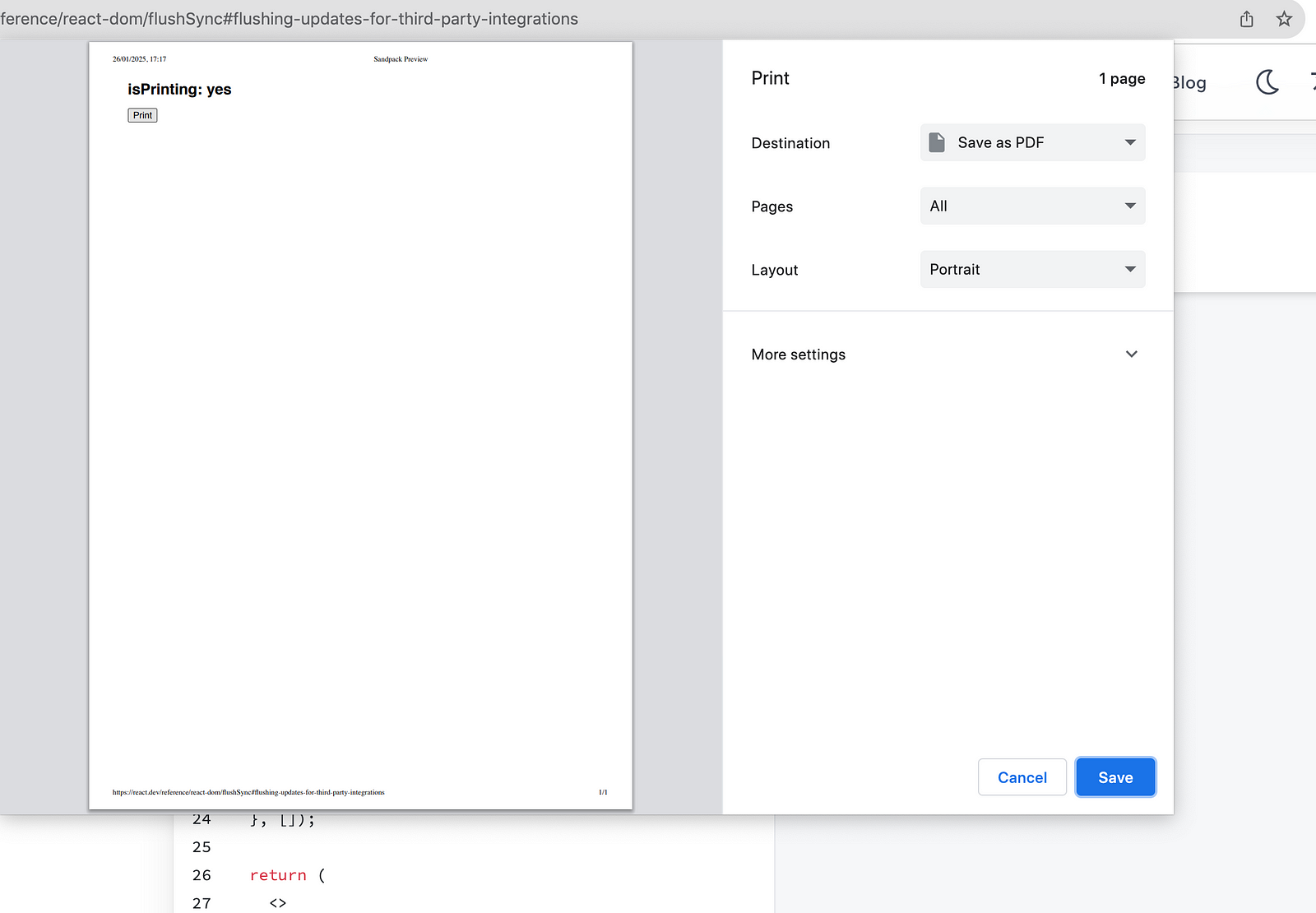
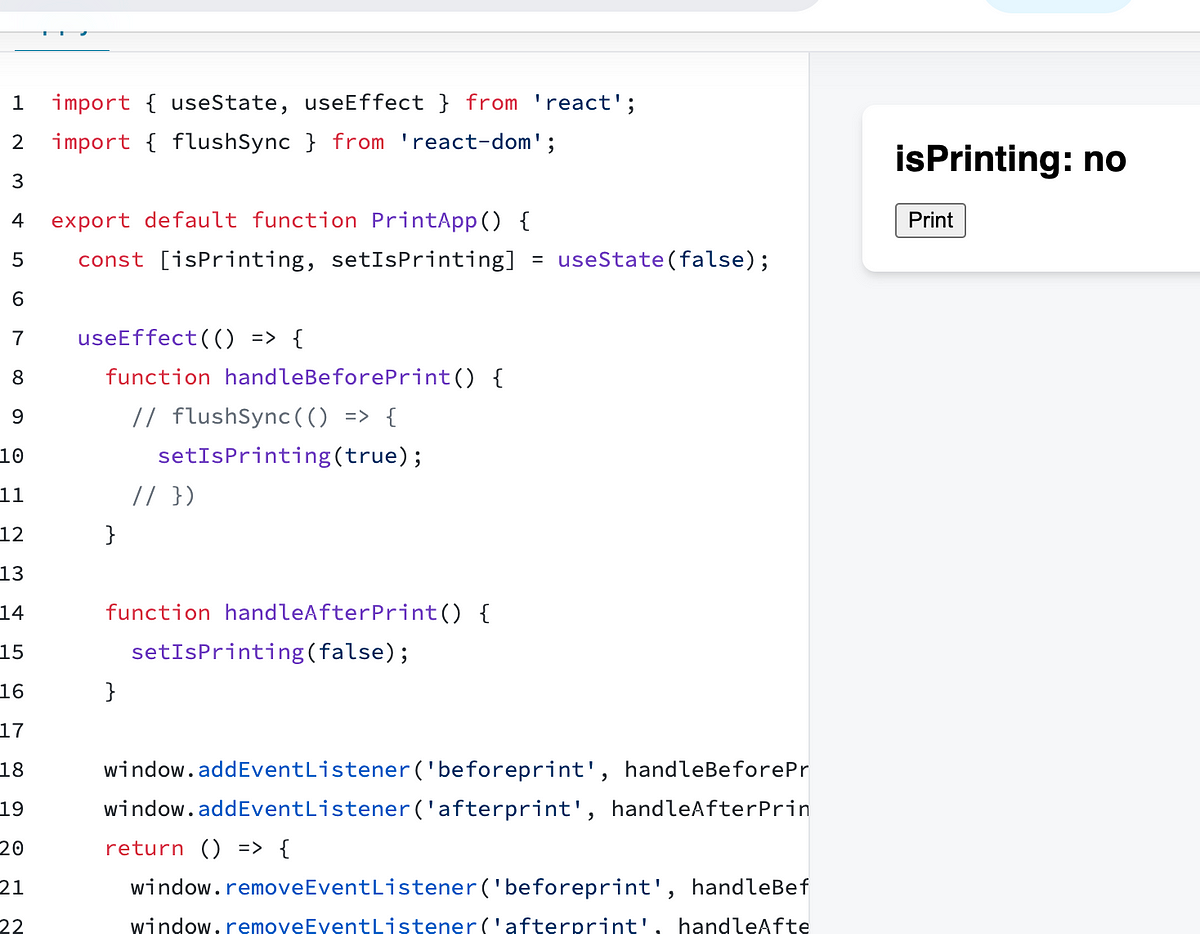
The browser onbeforeprint API allows you to change the page immediately before the print dialog opens. This is useful for applying custom print styles that allow the document to display better for printing. In the example below, you use flushSync inside of the onbeforeprint callback to immediately “flush” the React state to the DOM. Then, by the time the print dialog opens, isPrinting displays “yes”: — Source
Without flushSync, the print dialog will display isPrinting as “no”. This is because React batches the updates asynchronously and the print dialog is displayed before the state is updated. — Source
I tried commenting the flushSync and tested the print example. To my surprise, isPrinting is to set to yes when the flushSync is commented. I am not sure how flushSync makes a difference at this point.
Hey, my name is Ramu Narasinga. I study large open-source projects and create content about their codebase architecture and best practices, sharing it through articles, videos.