Here's how AI-powered autocompletion is implemented in Novel, an open-source text editor
In this article, we analyse how Novel implements AI-powered autocompletion in its beautiful editor.
Novel is an open-source Notion-style WYSIWYG editor with AI-powered autocompletion. This built on top of TipTap. Tiptap is the headless and open source editor framework. Integrate over 100+ extensions and paid features like collaboration and AI agents to create the UX you want.
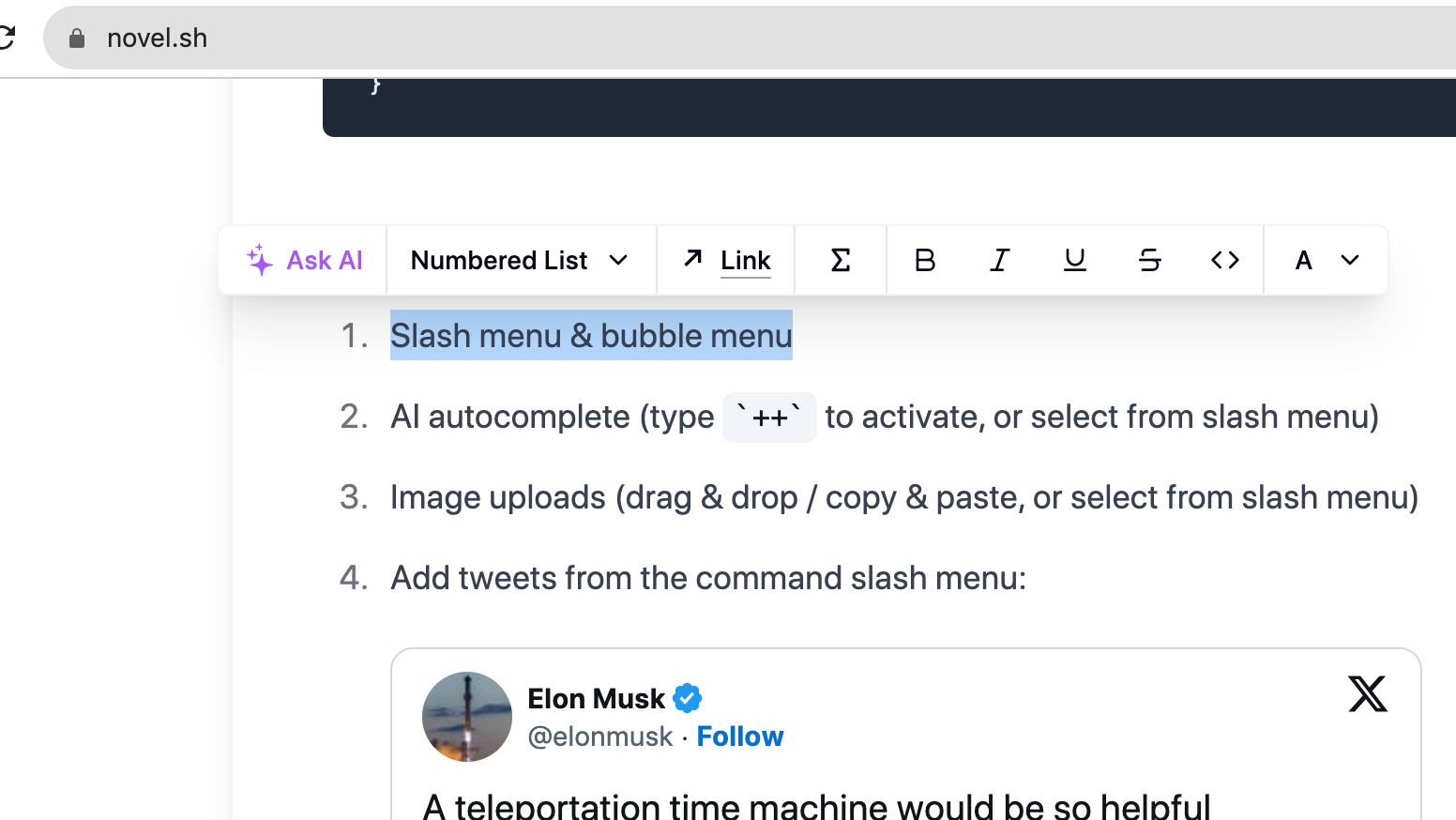
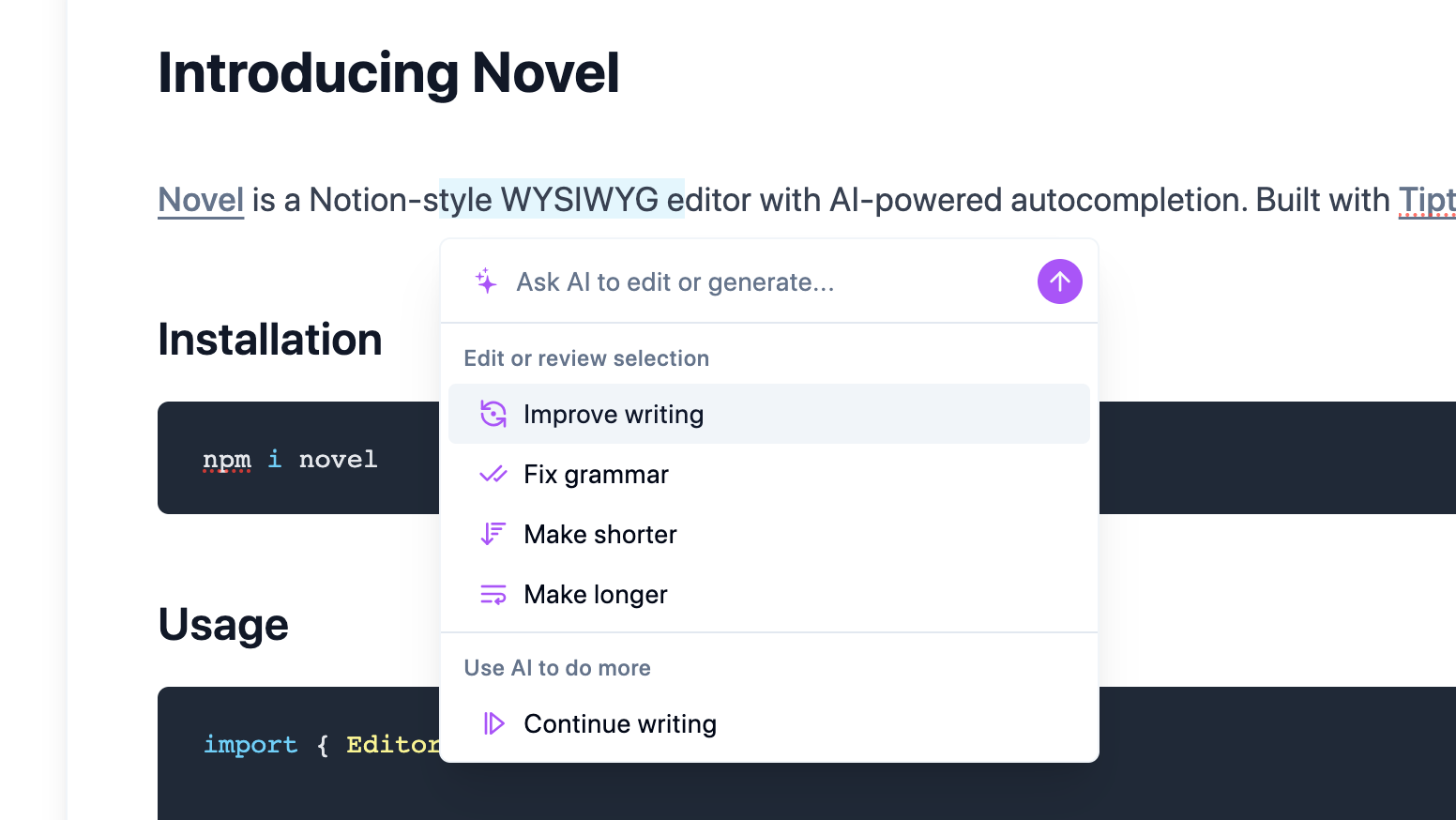
Since we are interested in learning about the AI-powered autocompletion, you first need to know where you see “Ask AI”. Open Novel and select some text using your mouse in the editor that is rendered by default. It can be any text. You will see this widget popup as shown below:
It is about the time we should find the code that is responsible for this widget. How to do that? Novel repository is a monorepo. it has a workspace folder named web in apps.
Since this is a Next.js based project and uses app router, in the page.tsx, a component named TailwindAdvancedEditor
This component named TailwindAdvancedEditor is imported from components/tailwind/advanced-editor.tsx, at line 123, you will find a component named GenerativeMenuSwitch. This is the widget you will see when you select some text in the Novel text editor.
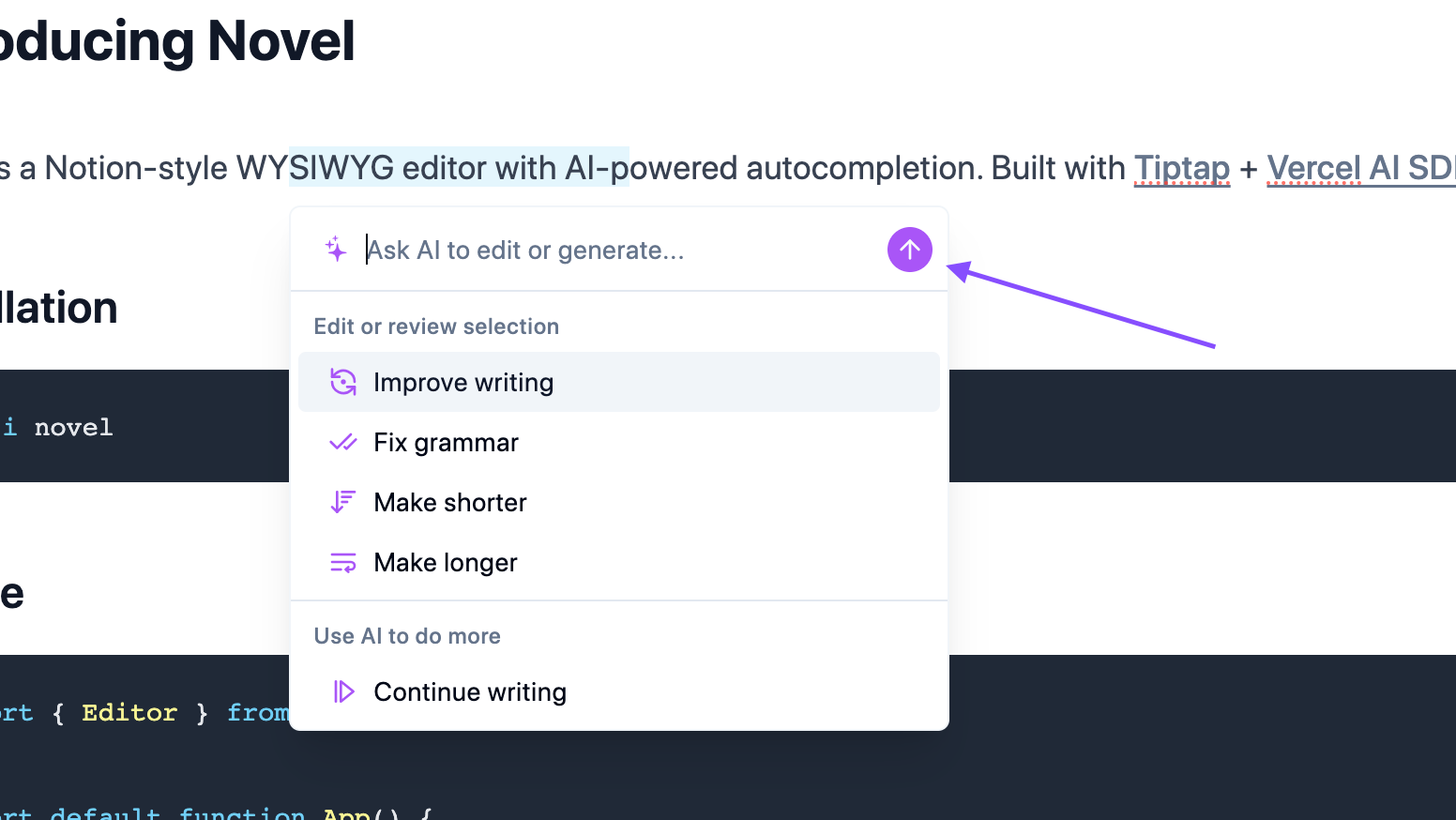
When you enter some input and submit that information, ai-selector.tsx has the code that handles this auto completion. When you click this ArrowUp button shown below:
There’s this onClick handler that calls a function named complete.
complete is returned by useCompletion hook as shown below
const { completion, complete, isLoading } = useCompletion({ // id: "novel", api: "/api/generate", onResponse: (response) => { if (response.status === 429) { toast.error("You have reached your request limit for the day."); return; } }, onError: (e) => { toast.error(e.message); },});
useCompletion is a hook provided by ai/react, and allows you to create text completion based capabilities for your application. It enables the streaming of text completions from your AI provider, manages the state for chat input, and updates the UI automatically as new messages are received.
This rings a bell for me, you will find similar api endpoint configuration to be made in CopilotKit to integrate AI capabilities into your system. I read about configuring an endpoint in CopilotKit quick start.
Hey, my name is Ramu Narasinga. I study large open-source projects and create content about their codebase architecture and best practices, sharing it through articles, videos.
This is how you would configure an AI-powered completion. This is definitely worth trying/experimenting.
Important concepts here to remember are configuring an API endpoint, ensuring there’s a rate limit in place based on IP address to prevent spam and how streaming response should be handled.