How Documenso, an open-source Docusign alternative, handles pdf file upload in Next.js?
In this article, we analyse how Documenso, an open-source Docusign alternative, handles pdf file upload in Next.js app router.
But first, where is the code that takes care of upload? To find that out, we first need to know where in the user interface on Documenso we upload pdf files.
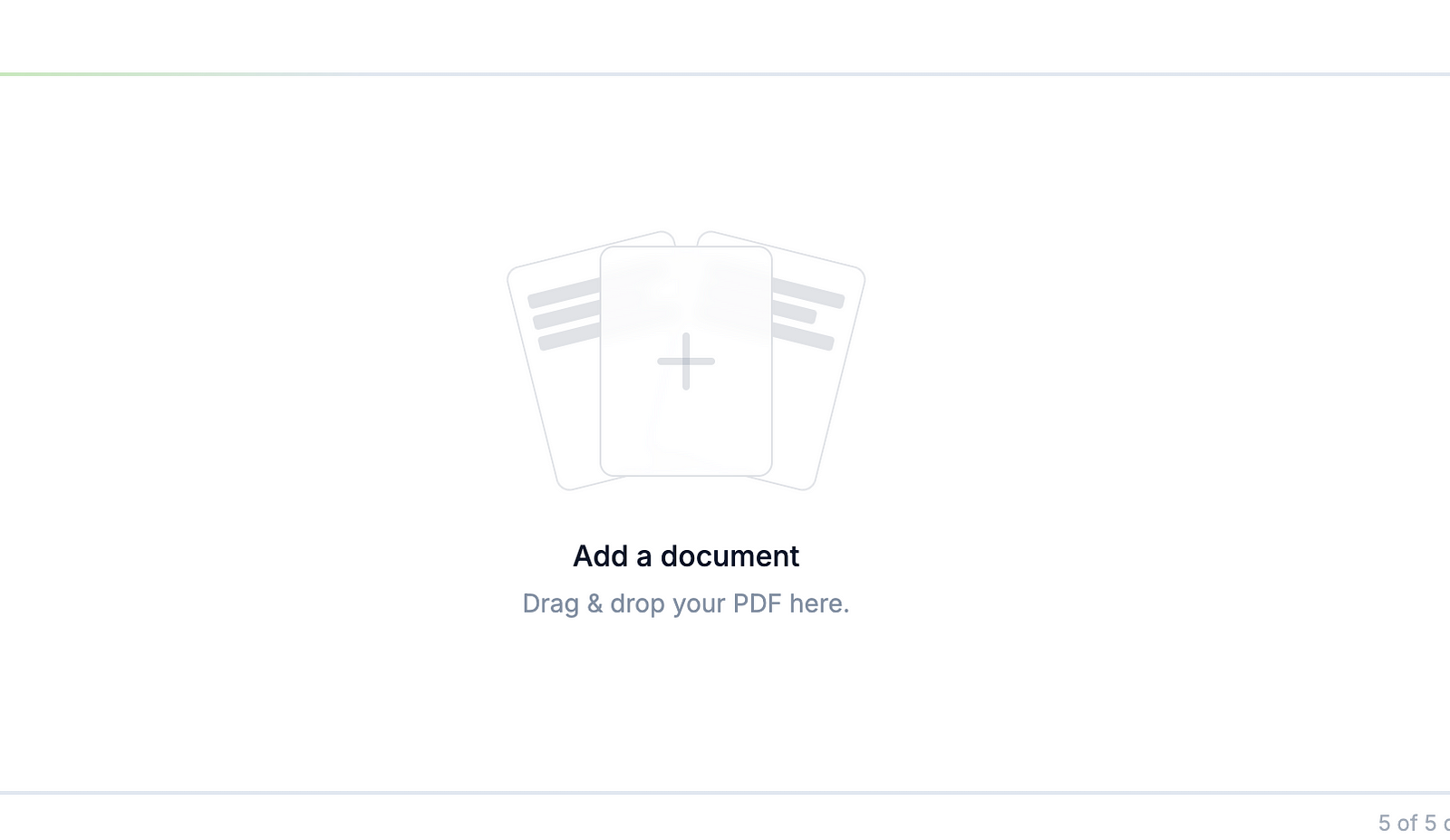
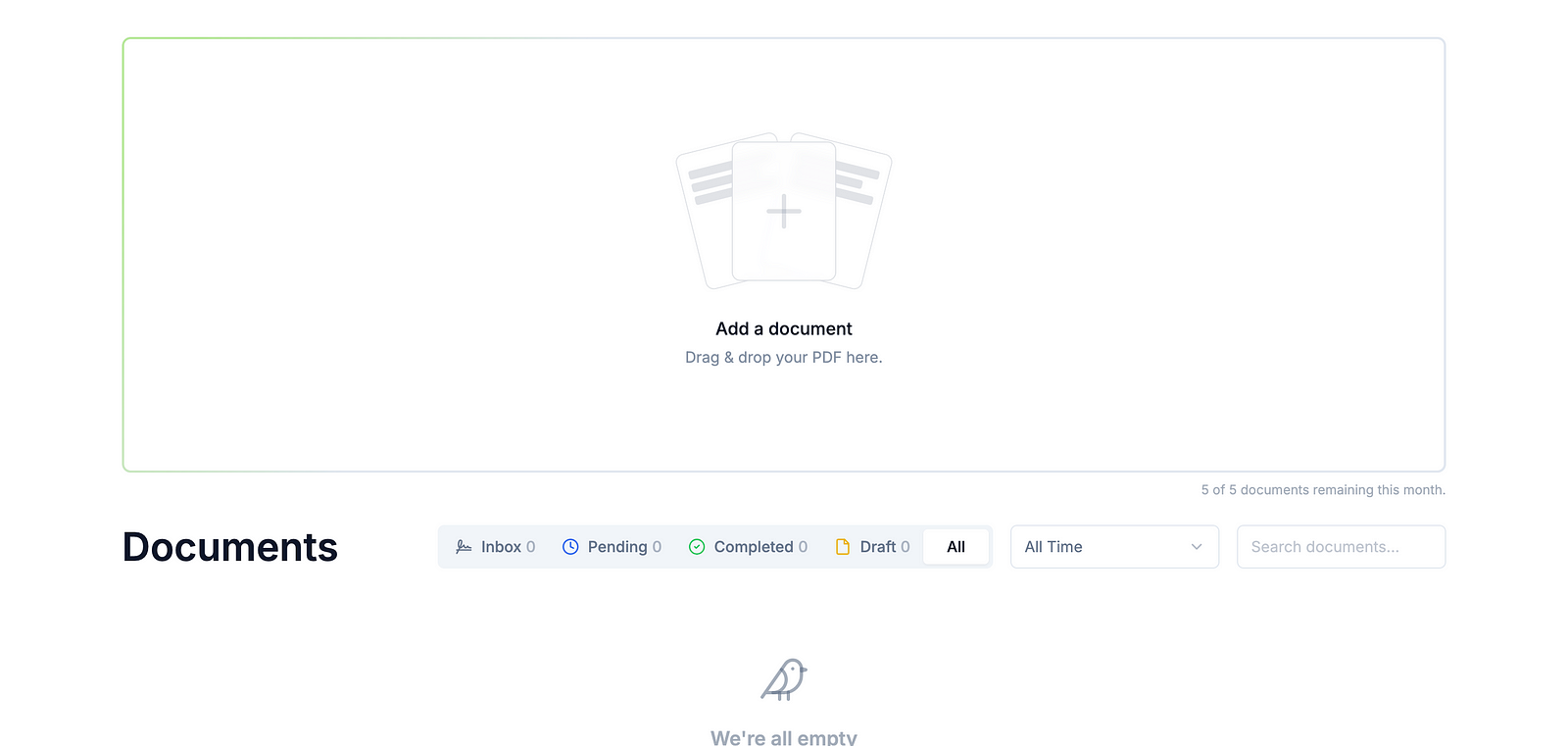
When you visit /documents, you see a widget shown below that lets you
upload pdf files in the Documenso dashboard.
Since Documenso uses Next.js app router and the url ends with /documents, we are looking for a folder named documents in the Documenso source code. You will find this in the (dashboard)/documents/page.tsx, but straight away you don’t see anything that says “upload”.
This means, we now have to search for “upload” in DocumentsPageView and UpcomingProfileClaimTeaser. Looking at the imports used in documents/upcoming-profile-claim-teaser.tsx, there’s nothing related to “upload”, that means, it has to be in DocumentsPageView.
Hey, my name is Ramu Narasinga. I study large open-source projects and create content about their codebase architecture and best practices, sharing it through articles, videos.