Lessons from open-source: Convert an array-like HTML NodeList to a standard javascript array.
This lesson is picked from next.js/packages/next. In this article, you will learn how to convert an array-like HTML Nodelist into a standard javascript array.
looseToArray is a generic function that takes an input of type any.
It’s using the slice method on an empty array ([]) and calling it with input as its context ([].slice.call(input)).
The purpose is to convert something array-like (such as a NodeList) into a real array.
Notice the “any” type for input parameter. There are quite some places where “any” type is used in nextjs source code. I used to think “any” should be avoided at all costs, but it’s okay no code is too perfect.
document.querySelectorAll(‘style[data-n-href]’) selects all <style> elements with a data-n-href attribute in the document.
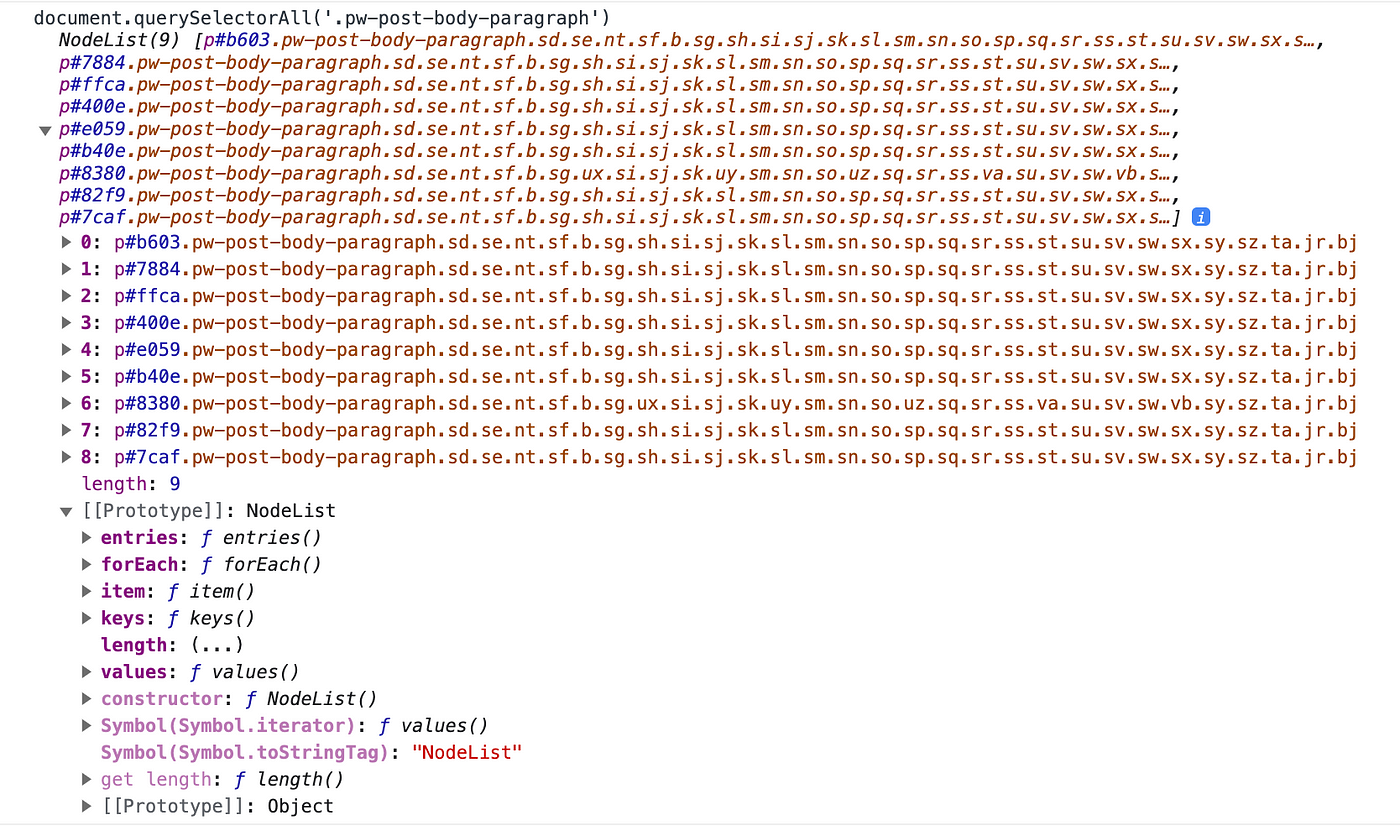
The result of this query is a NodeList, which is array-like but not a real array.
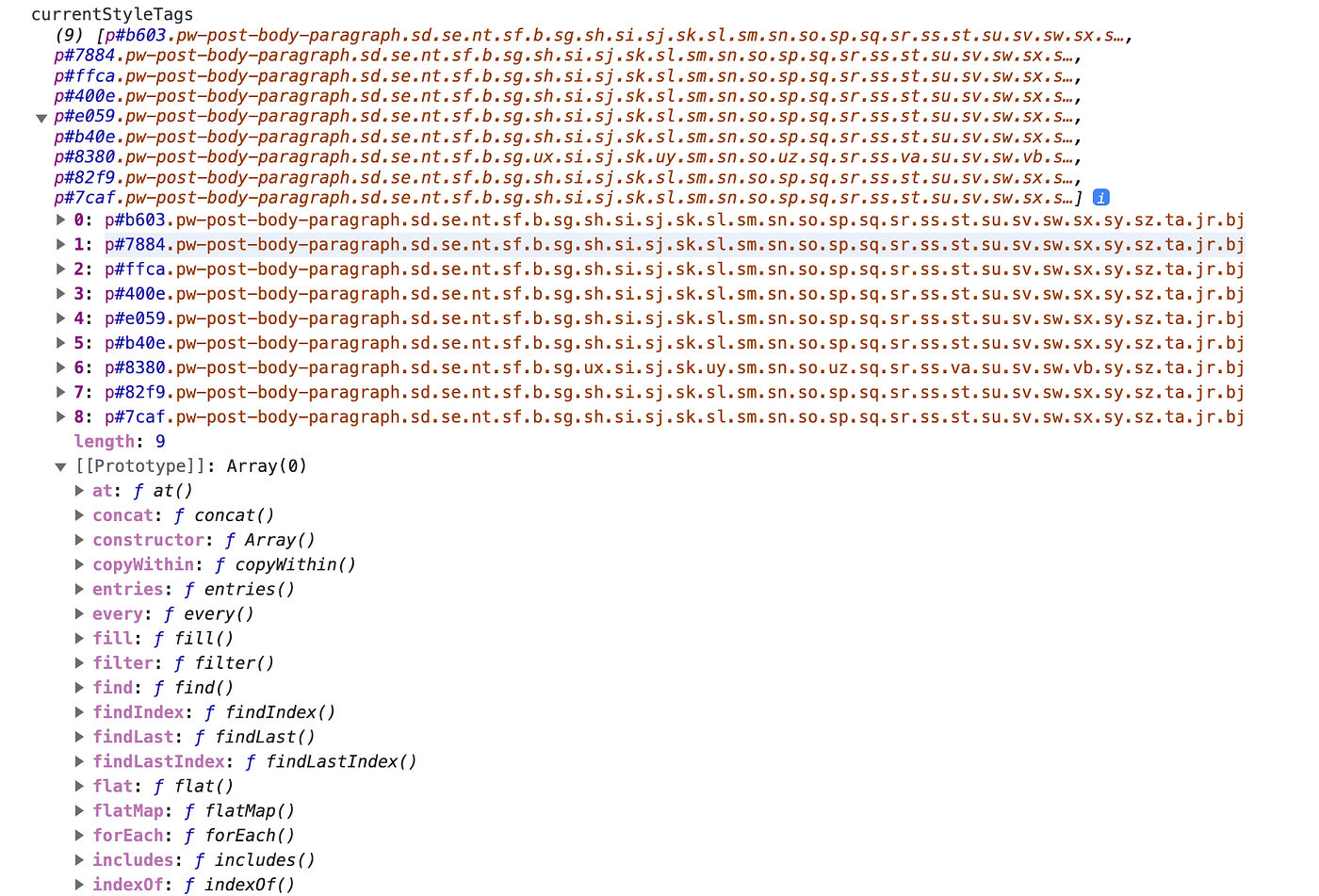
looseToArray<HTMLStyleElement> is used to convert the NodeList into a real array of HTMLStyleElement.
So, the looseToArray function is used here to convert the NodeList obtained from document.querySelectorAll into a standard JavaScript array. The purpose of using slice.call is a common technique to convert array-like objects into arrays because the slice method can be called on array-like objects, and it returns a new array.
If you are looking to practice next.js, checkout my website:https://tthroo.com/
In JavaScript, the NodeList returned by document.querySelectorAll is not a true array but rather a collection of nodes. While it looks like an array, it lacks many of the array methods and properties. The looseToArray function in [nextjs source code]