Lessons from opensource: How to check if your program has internet connectivity in Nodejs?
These lessons are picked from next.js/create-next-app open source code. In this article, you will learn how you could check if your program has access to internet in Nodejs.
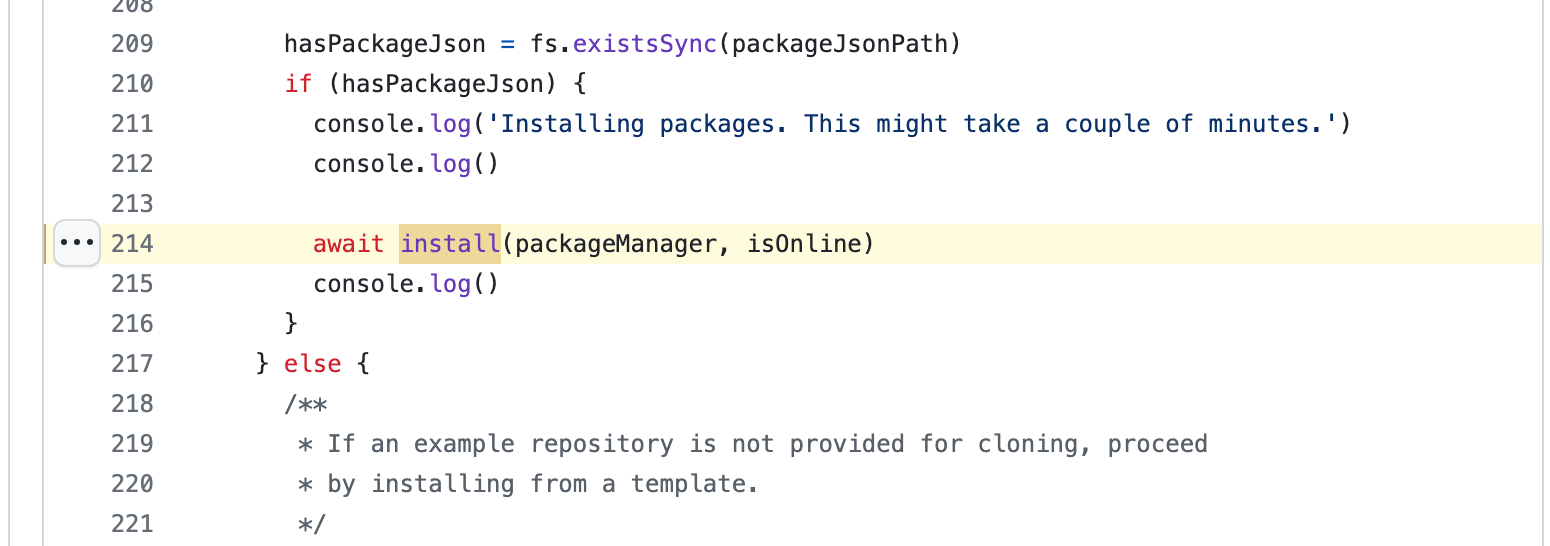
There could be numerous reasons as to why you want to check if you program has internet connectivity. One usecase in next.js/create-next-app is that the program checks it’s online to install a npm command.
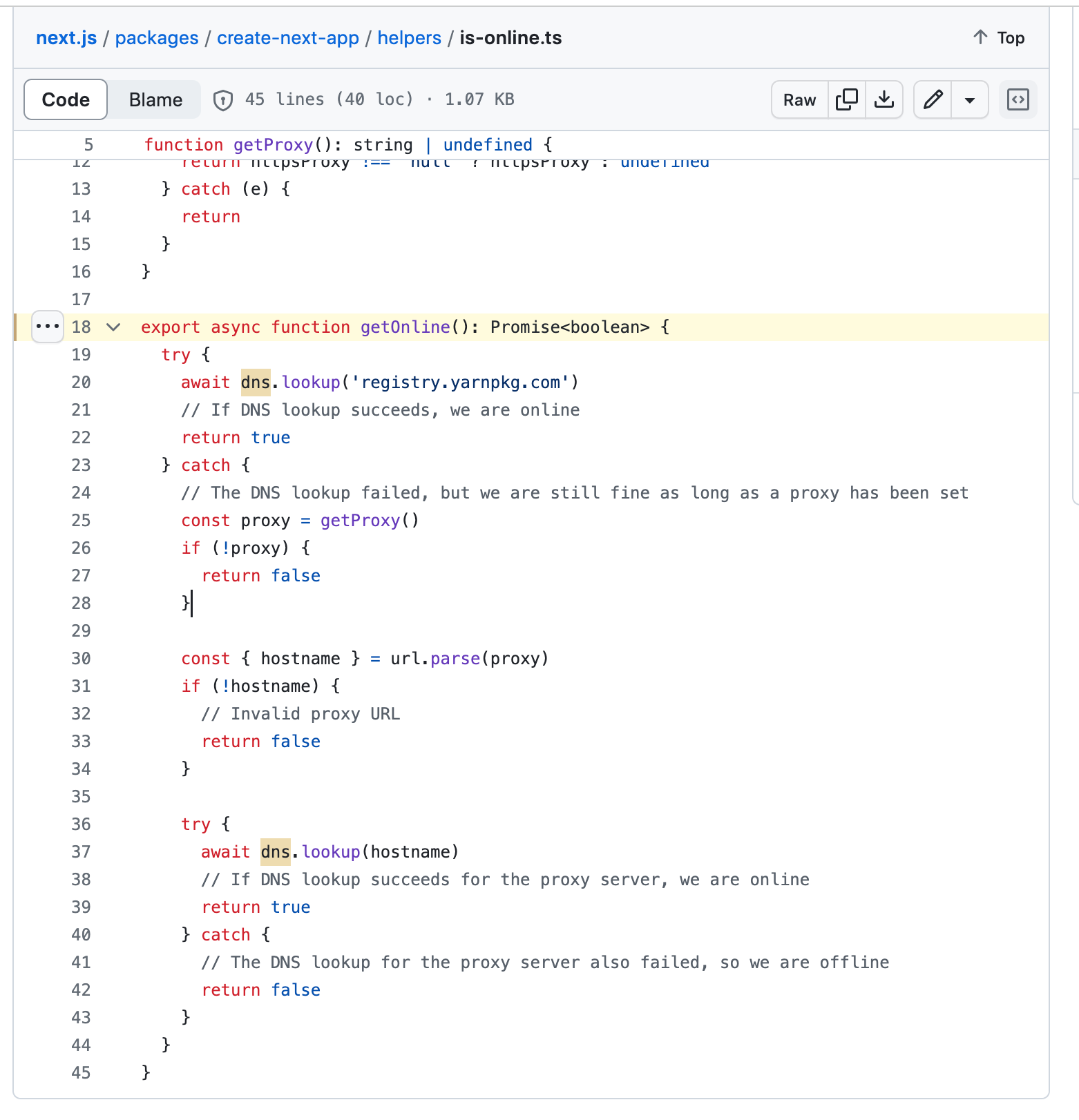
export async function getOnline(): Promise<boolean> { try { await dns.lookup('registry.yarnpkg.com') // If DNS lookup succeeds, we are online return true } catch { // The DNS lookup failed, but we are still fine as long as a proxy has been set const proxy = getProxy() if (!proxy) { return false } const { hostname } = url.parse(proxy) if (!hostname) { // Invalid proxy URL return false } try { await dns.lookup(hostname) // If DNS lookup succeeds for the proxy server, we are online return true } catch { // The DNS lookup for the proxy server also failed, so we are offline return false } }}
The node:dns module enables name resolution. For example, use it to look up IP addresses of host names.
Although named for the Domain Name System (DNS), it does not always use the DNS protocol for lookups. dns.lookup() uses the operating system facilities to perform name resolution. It may not need to perform any network communication. To perform name resolution the way other applications on the same system do, use dns.lookup(). — Source
A simple DNS lookup is used to detect if you are online when you run your NodeJs program. Now you know how to check if you got internet connectivity before you do some operations programatically and throw some error if you are offline.
If you are looking to improve/learn frontend, checkout my website: https://tthroo.com/ where I teach project based tutorials.