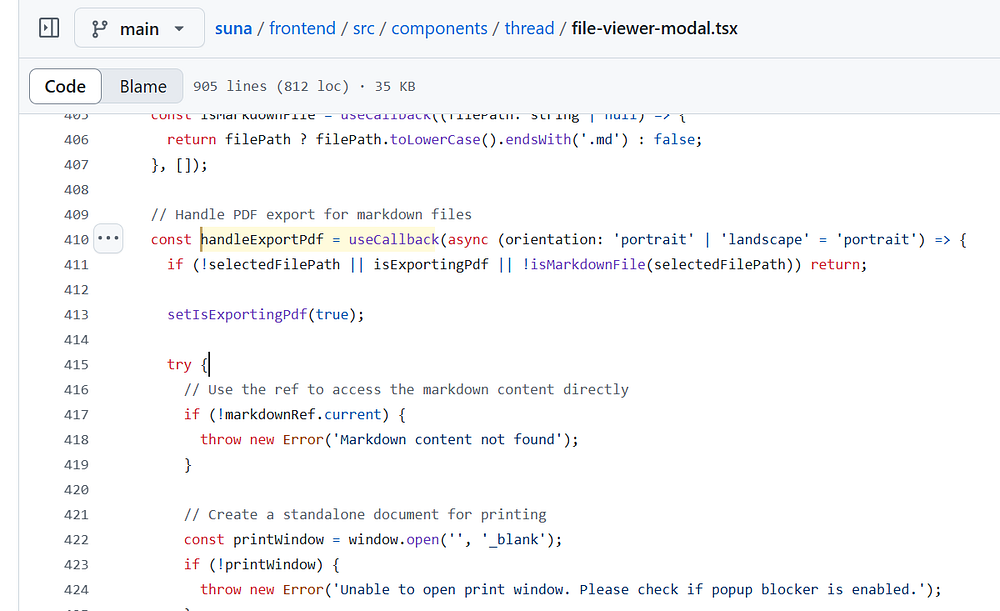
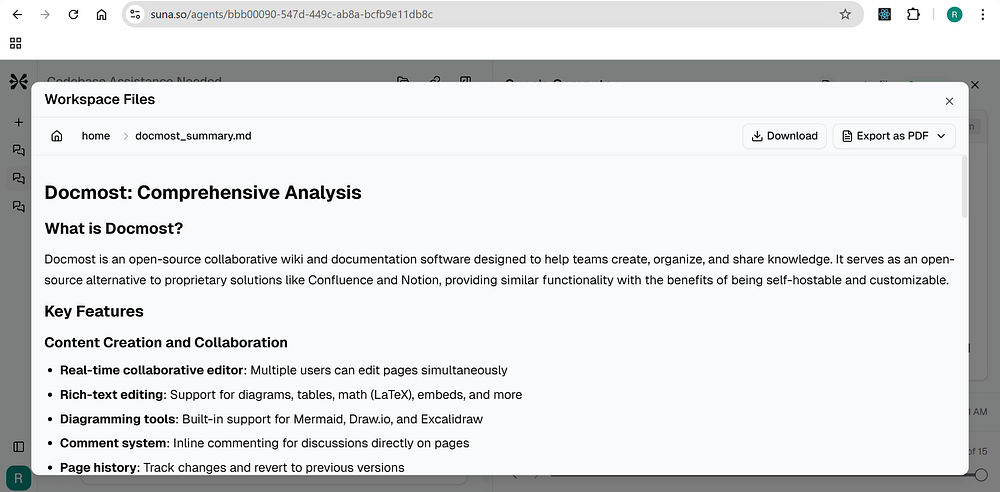
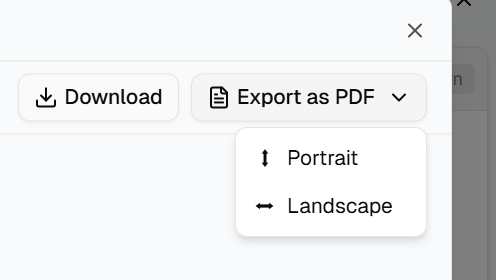
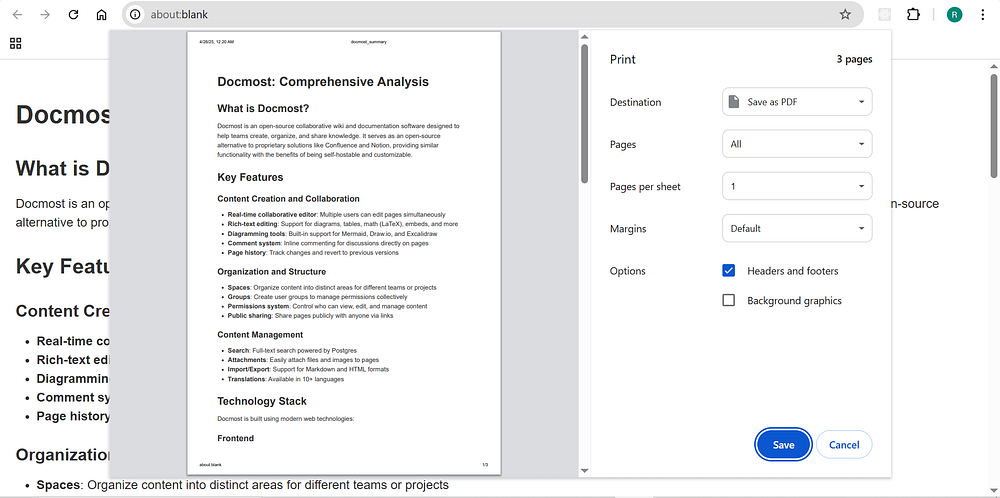
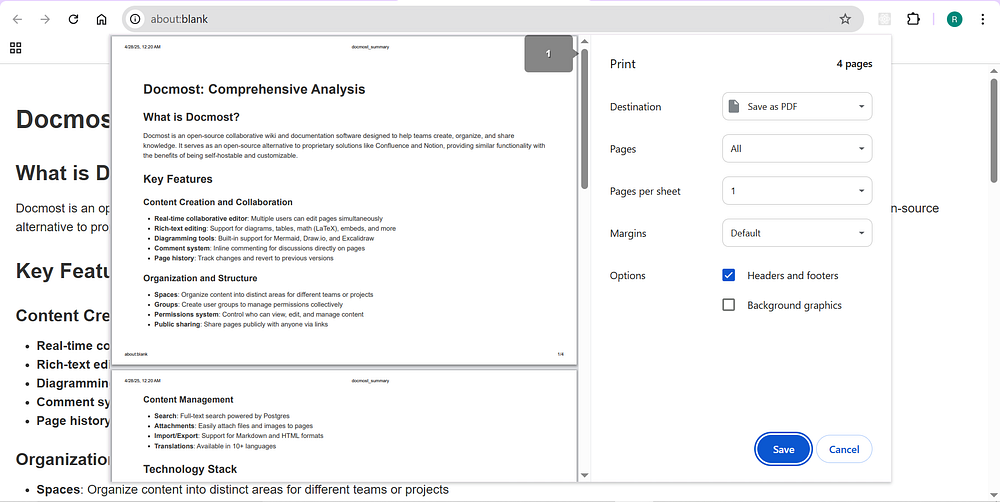
This handleExportPdf function open print window dialog in a new tab. It contains the below code, picked from file-viewer-modal.ts
// Handle PDF export for markdown filesconst handleExportPdf = useCallback(async (orientation: 'portrait' | 'landscape' = 'portrait') => { if (!selectedFilePath || isExportingPdf || !isMarkdownFile(selectedFilePath)) return; setIsExportingPdf(true); try { // Use the ref to access the markdown content directly if (!markdownRef.current) { throw new Error('Markdown content not found'); } // Create a standalone document for printing const printWindow = window.open('', '_blank'); if (!printWindow) { throw new Error('Unable to open print window. Please check if popup blocker is enabled.'); } // Get the base URL for resolving relative URLs const baseUrl = window.location.origin; // Generate HTML content const fileName = selectedFilePath.split('/').pop() || 'document'; const pdfName = fileName.replace(/\.md$/, ''); // Extract content const markdownContent = markdownRef.current.innerHTML; // Generate a full HTML document with controlled styles const htmlContent = ` ... ` // Write the HTML content to the new window printWindow.document.open(); printWindow.document.write(htmlContent); printWindow.document.close(); toast.success("PDF export initiated. Check your print dialog.");
Hey, my name is Ramu Narasinga. I study large open-source projects and create content about their codebase architecture and best practices, sharing it through articles, videos.