Prepare a package for patching (inspired by a similar command in Yarn).
This command will cause a package to be extracted in a temporary directory intended to be editable at will.
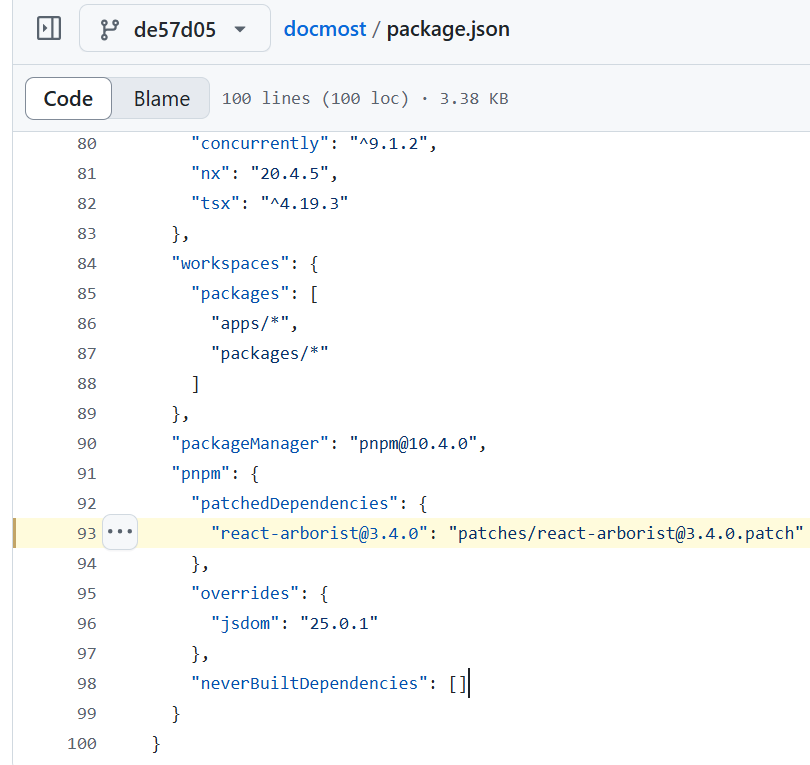
Once you’re done with your changes, run pnpm patch-commit <path> (with <path> being the temporary directory you received) to generate a patchfile and register it into your top-level manifest via the patchedDependencies field.
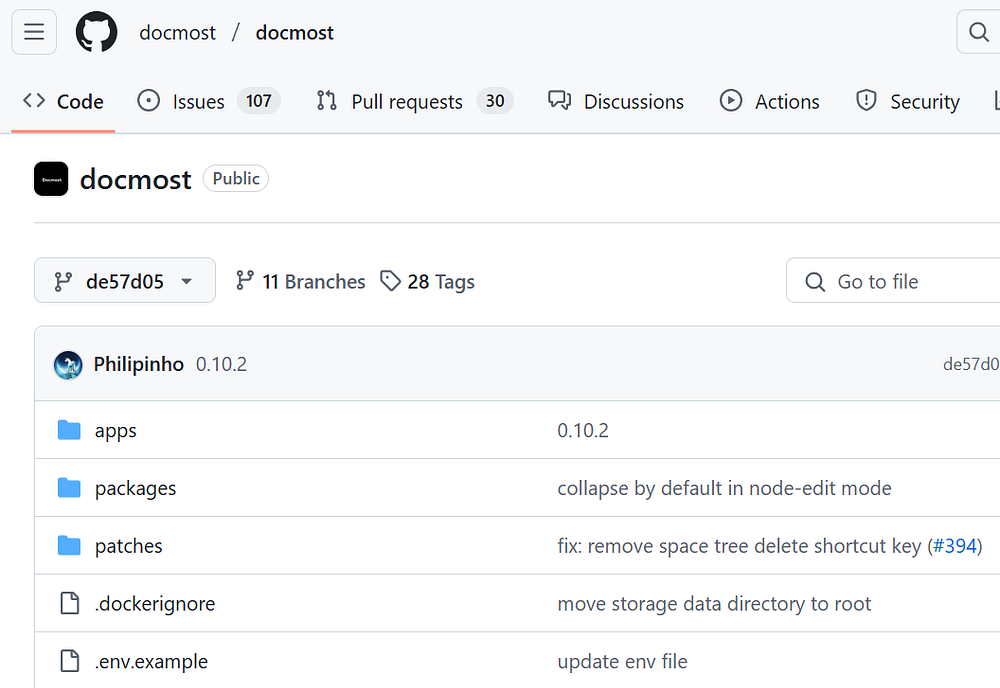
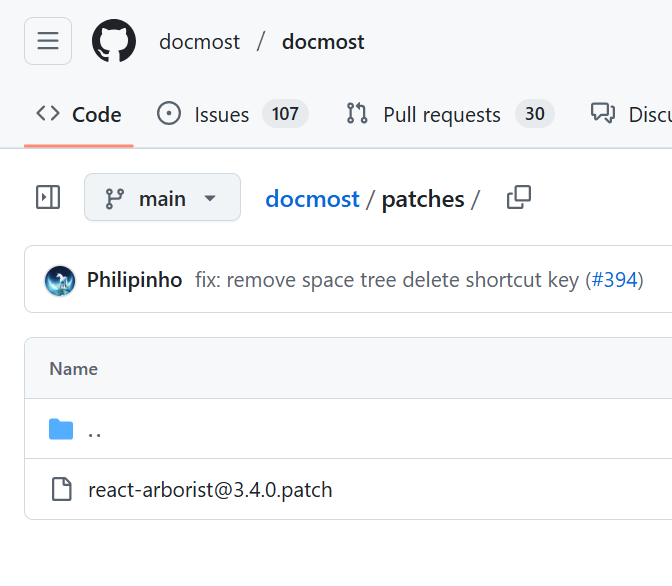
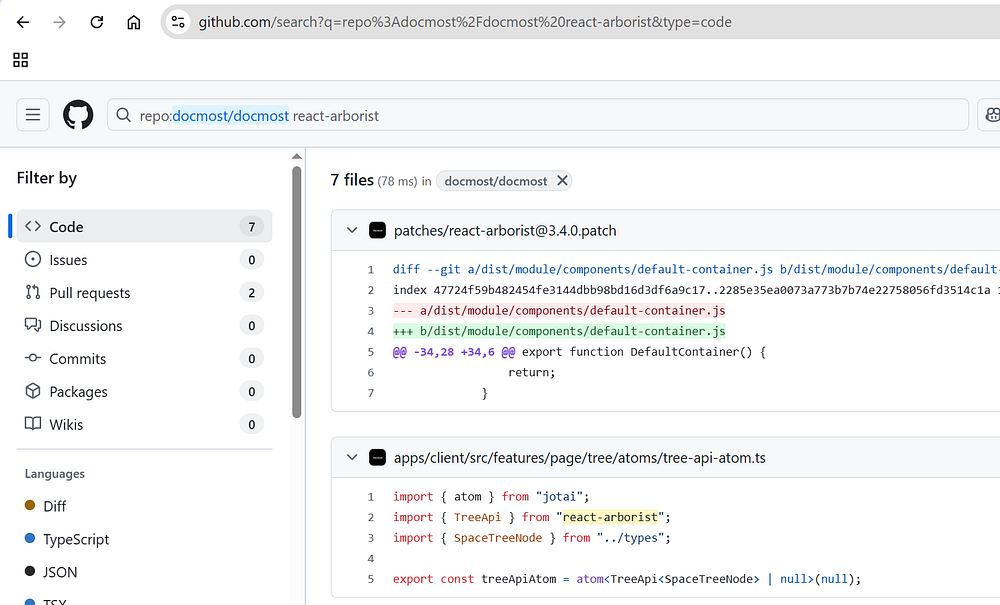
Now it makes sense why there is patches folder at the root level and why this is registered in package.json. Author at Docmost wrote a patch to react-arborist. Why? let’s see what the patch file looks like, this will show us the list of changes:
This above diff is picked from docmost/patches/react-arborist. So judging by the diff, the patch applied here is around how “backspace” keydown is handled. The patch made it so that nothing happens instead just returns. “-” in red indicates that lines have been removed. I really do not know why this patch has been made, but it is interesting to learn that you can patch dependencies this way in pnpm.
Hey, my name is Ramu Narasinga. I study large open-source projects and create content about their codebase architecture and best practices, sharing it through articles, videos.