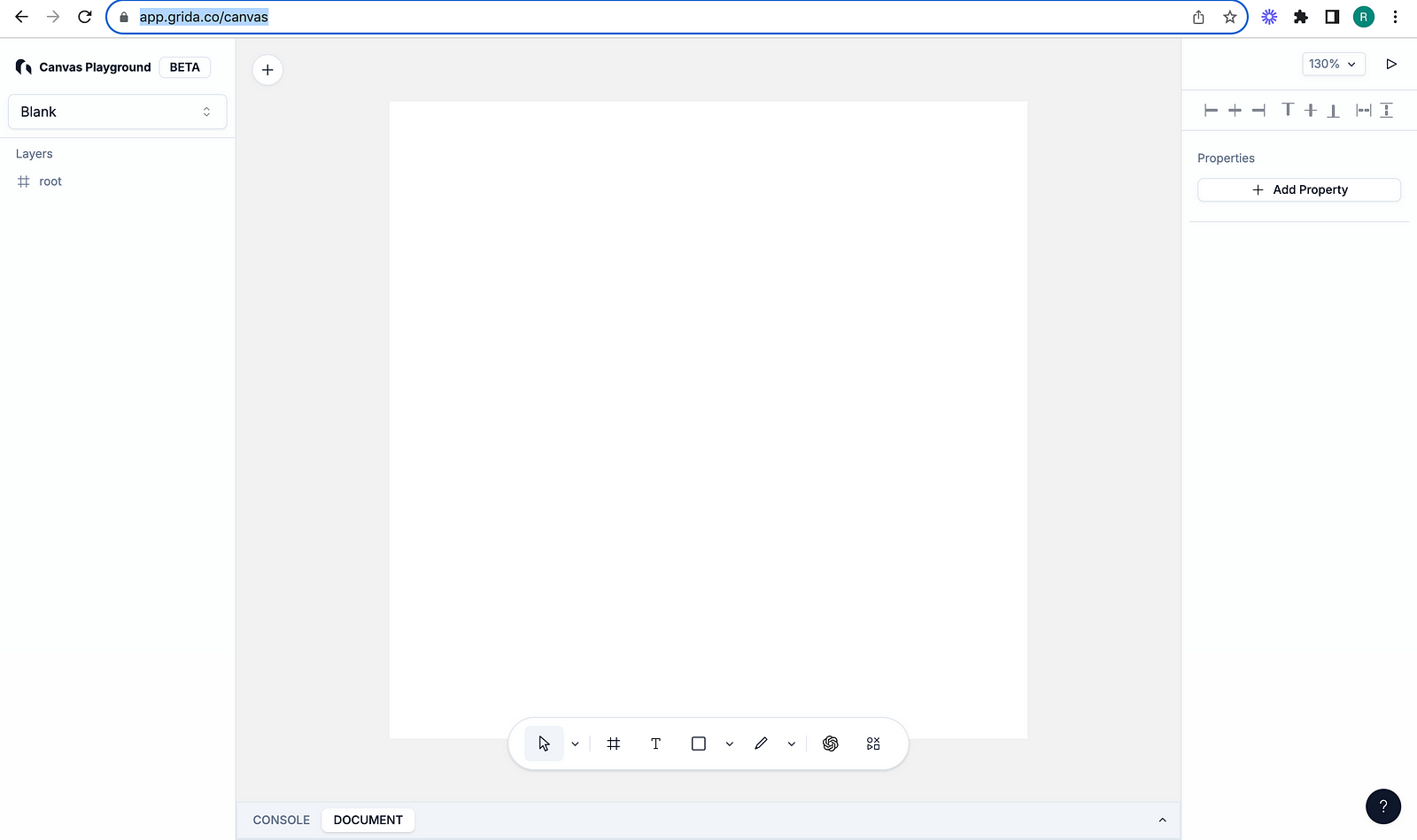
I am contributing to an open source project, Grida. Grida provides forms for developers and has a canvas that can be used to design, like Figma. In this article, I wanted to share how I located the /canvas route in the large Grida codebase.
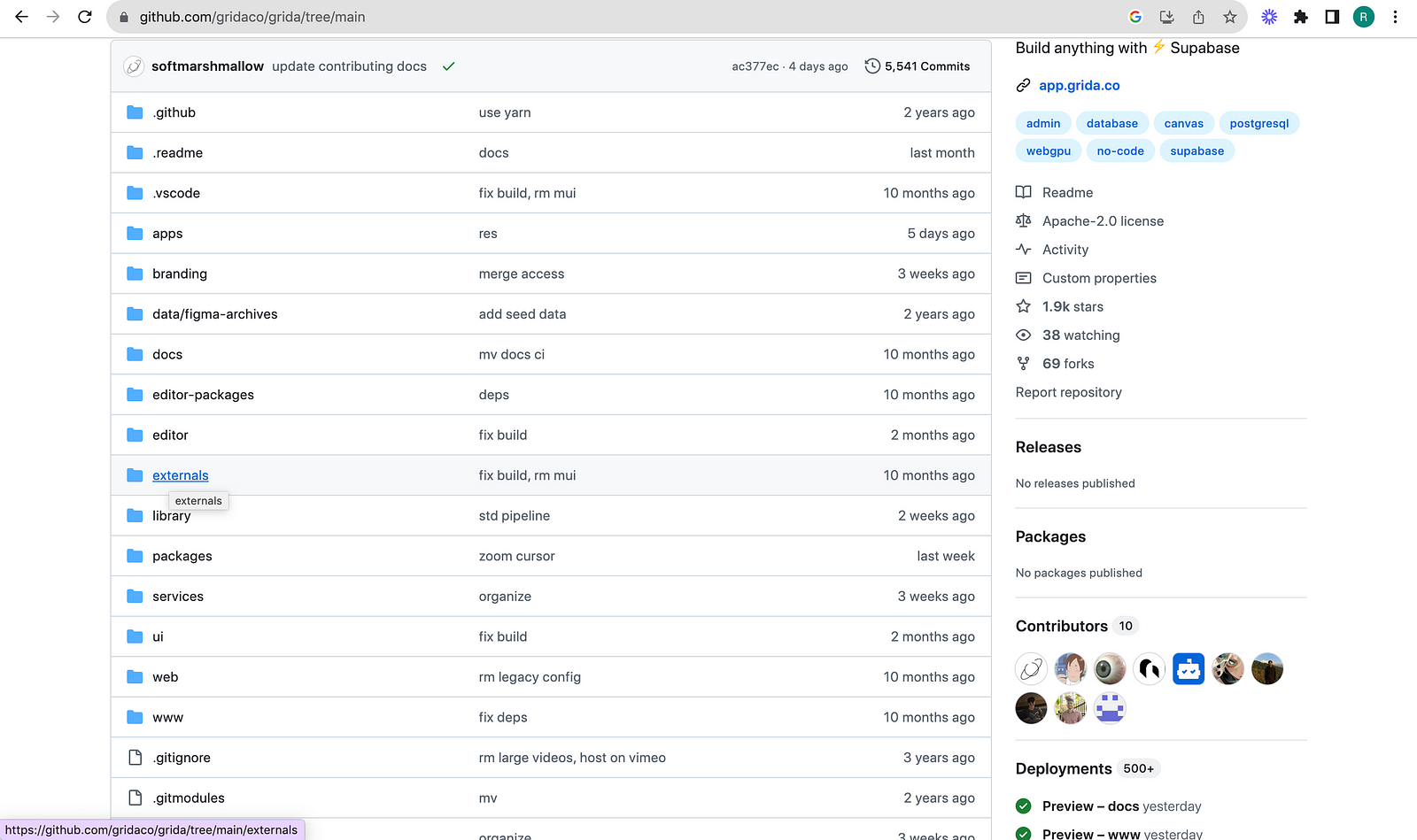
Grida codebase has a lot of folders. It can be challenging to navigate this codebase to find the feature you want to work on when you are just getting started. Let’s first locate the route — /canvas.
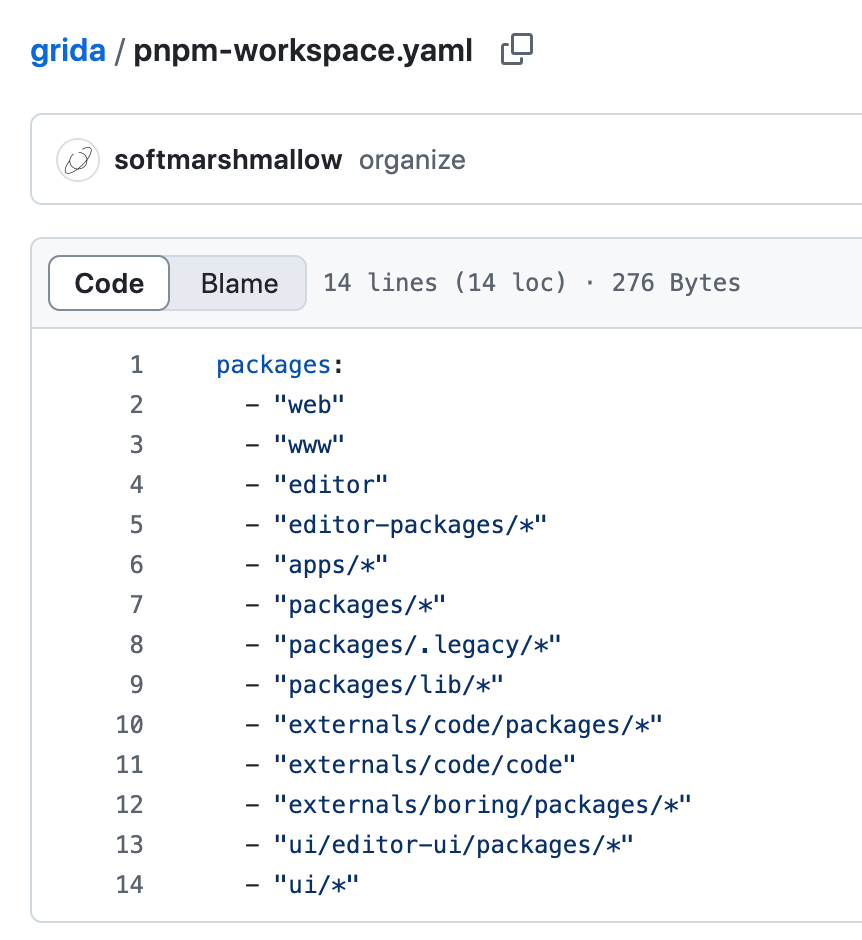
This project manages workspaces using pnpm. You can confirm this by looking at pnpm-workspace.yaml
It took me a while to find out where the /canvas route is located because in the apps folder, you have about 5 projects. Question was, which workspace has it? I tried my luck with forms project.
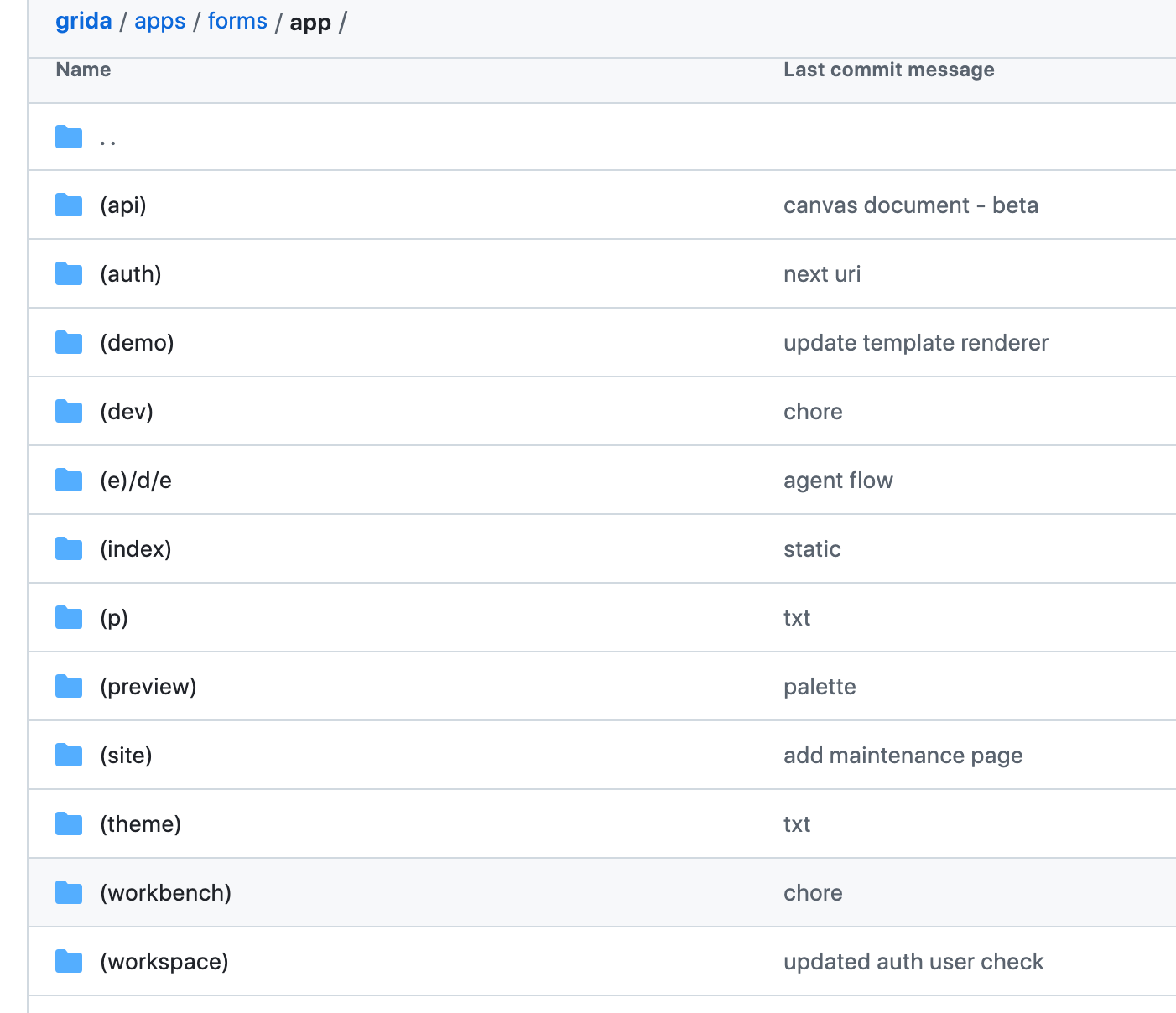
forms is a Next.js app router based application. Since this uses app router, to locate /canvas, you should be looking for a folder named canvas in the app. But it was not that obvious because again app folder has a lot of route groups as seen below:
I found that canvas folder is located in (dev) route group and the canvas/page.tsx has the below code:
playground.tsx file has about 877 lines of code at the time of writing this article. This is you starting point to understand how canvas works. I did some study and found that this canvas feature is mathematical, fun to work on and can feel complicated.
I will write more articles explaining the features used in canvas, for example, how the rectangle gets populated on to the board with a click on the toolbar item and how the drag increases the rectangle size. This is just one example, there is more elements and lot of a mathematical concepts are applied behind the scenes.
The reason I am writing these articles is because I am determined to contribute to Grida as much as possible and this canvas feature seems like a proper brain teaser.
Hey, my name is Ramu Narasinga. I study large open-source projects and create content about their codebase architecture and best practices, sharing it through articles, videos.