
Load your config file regardless what module format it is, using bundle-require.
In this article, we will review how to load your config file regardless what module format it is, using bundle-require.
-
What is bundle-require?
-
bundleRequire usage in Tsup source code.
What is bundle-require?
Projects like Vite need to load config files provided by the user, but you can’t do it with just require() because it's not necessarily a CommonJS module, it could also be a .mjs or even be written in TypeScript, and that's where the bundle-require package comes in, it loads the config file regardless what module format it is.
How it works
-
Bundle your file with esbuild,
node_modulesare excluded because it's problematic to try to bundle it -
__filename,__dirnameandimport.meta.urlare replaced with source file's value instead of the one from the temporary output file -
Output file in
esmformat if possible (for.ts,.jsinput files) -
Load output file with
import()if possible -
Return the loaded module and its dependencies (imported files)
Install
npm i bundle-require esbuild
Usage
import { bundleRequire } from 'bundle-require'

const { mod } = await bundleRequire({
  filepath: './project/vite.config.ts',
})
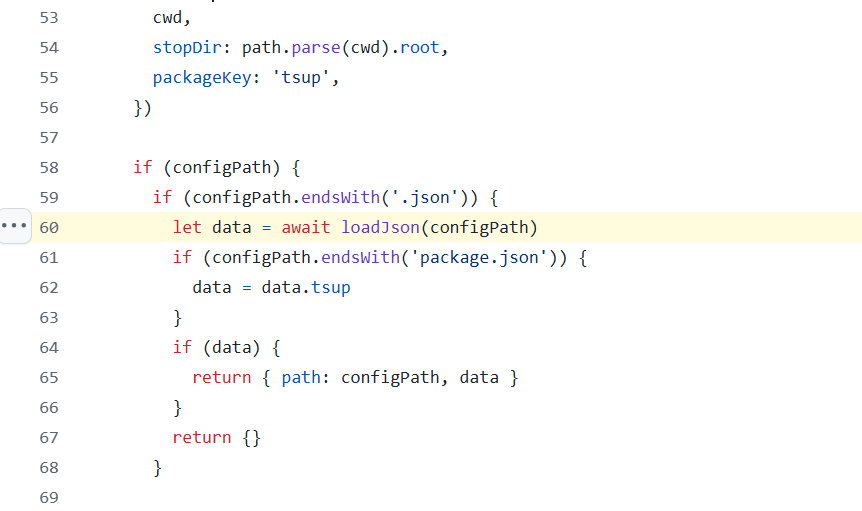
bundleRequire usage in Tsup source code.
At line 70 in a file named load.ts in Tsup source code, you will find the below code:
 const config = await bundleRequire({
      filepath: configPath,
    })
bundle-require is imported as shown below:
import { bundleRequire } from 'bundle-require'
config path is resolved using Joycon as shown below:
 const configPath = await configJoycon.resolve({
    files: configFile
      ? [configFile]
      : [
          'tsup.config.ts',
          'tsup.config.cts',
          'tsup.config.mts',
          'tsup.config.js',
          'tsup.config.cjs',
          'tsup.config.mjs',
          'tsup.config.json',
          'package.json',
        ],
    cwd,
    stopDir: path.parse(cwd).root,
    packageKey: 'tsup',
  })
About me:
Hey, my name is Ramu Narasinga. Email: ramu.narasinga@gmail.com
Tired of AI-generated code that works but nobody understands?
I spent 3+ years studying OSS codebases and wrote 350+ articles on what makes them production-grade. I built an open source tool that reviews your PR against your existing codebase patterns.
Your codebase. Your patterns. Enforced.