Lessons from open-source: Describe what your regex does with a commented example.
This lesson is picked from Nextjs source code. In this article, you will learn why it is helpful to add a comment with an example explaning what your regex does.
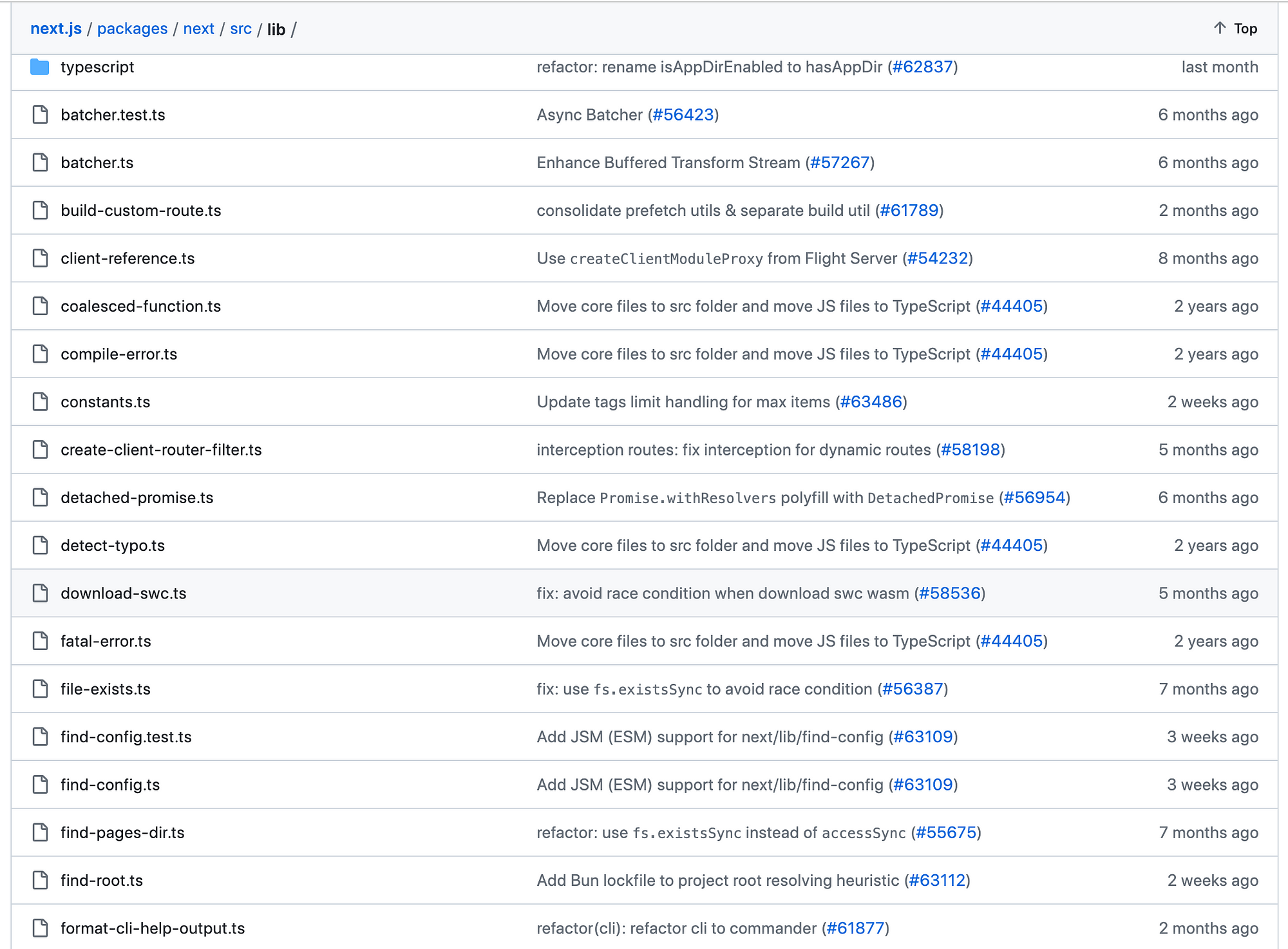
I came across a function named formatServerError(err) in create-error-handler.tsx imported from format-server-error.ts. Next.js has lib folder for helper functions and all these functions and files follow single responsibility principle, meaning files have functions that fit in the context and do one thing and one thing only. This makes the codebase modular and readable.
getStackWithoutErrorMessage, this function name is verbose but gets the message across. It does one thing. It helps to write a function name explaining what it does.
/**
 * Input:
 * Error: Something went wrong
    at funcName (/path/to/file.js:10:5)
    at anotherFunc (/path/to/file.js:15:10)

 * Output:
    at funcName (/path/to/file.js:10:5)
    at anotherFunc (/path/to/file.js:15:10)
 */
Writing regex is cool but a comment with example helps your future self and other devs to understand what that regex does.
I asked chatGPT to explain the regex /^[^\n]*\n/
The regular expression /^[^\n]*\n/ can be broken down as follows:
/: This is the delimiter for the regular expression. It marks the beginning and end of the regex pattern.
^: This is the start anchor, which means the expression will match the start of a line.
[^\n]*: This is a character class that matches any character except for a newline (\n). The * quantifier means zero or more occurrences of the preceding element. So [^\n]* matches zero or more characters that are not newline characters.
\n: This matches a newline character.
Putting it all together:
/^[^\n]*\n/ matches a pattern that starts at the beginning of a line, followed by zero or more characters that are not newlines, and ends with a newline character. Essentially, it matches an entire line of text.
I came across a function named formatServerError(err) in create-error-handler.tsx imported from format-server-error.ts. Next.js has lib folder for helper functions and all these functions and files follow single responsibility principle, meaning files have functions that fit in the context and do one thing and one thing only. This makes the codebase modular and readable.
This article explains the need to comment an example when you are dealing with code using regex. Your future self and the next dev dealing with this code will thank you.