
Next.js Codebase Analysis <> create-next-app <> index.ts explained — Part 1.4
In the previous article, we logged the program variable and saw some json. In this article, let’s understand how to access an option value passed, specifically program.resetPreferences
Let’s modify the log to print program.resetPreferences
Access options passed in CLI:
- Add the following as your first line in run():
console.log("program.resetPreferences:", program.resetPreferences);
- Build the create-next-app
npm run build

3. Run the following command
npx create-my-app — reset-preferences
You pass –reset-preferences option to the cli
Conclusion:
So, to find out if any of the options you configured using Commander are passed in the CLI, you can access the flag using camelCase.
Example:
program.useNpm
program.usePnpm
program.resetPreferences
If you have any questions, feel free to reach out to me at ramu.narasinga@gmail.com
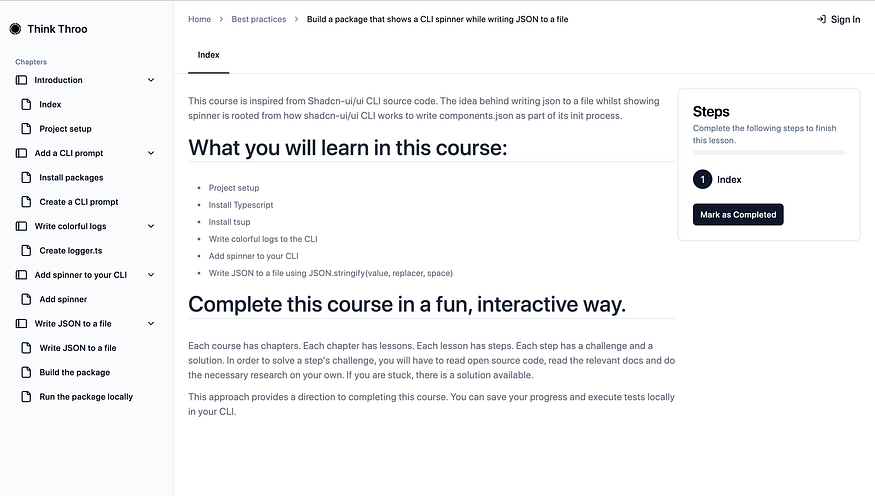
Get free courses inspired by the best practices used in open source.
About me:
Hey, my name is Ramu Narasinga. Email: ramu.narasinga@gmail.com
Tired of AI-generated code that works but nobody understands?
I spent 3+ years studying OSS codebases and wrote 350+ articles on what makes them production-grade. I built an open source tool that reviews your PR against your existing codebase patterns.
Your codebase. Your patterns. Enforced.