Code snippets are templates that make it easier to enter repeating code patterns, such as loops or conditional-statements.
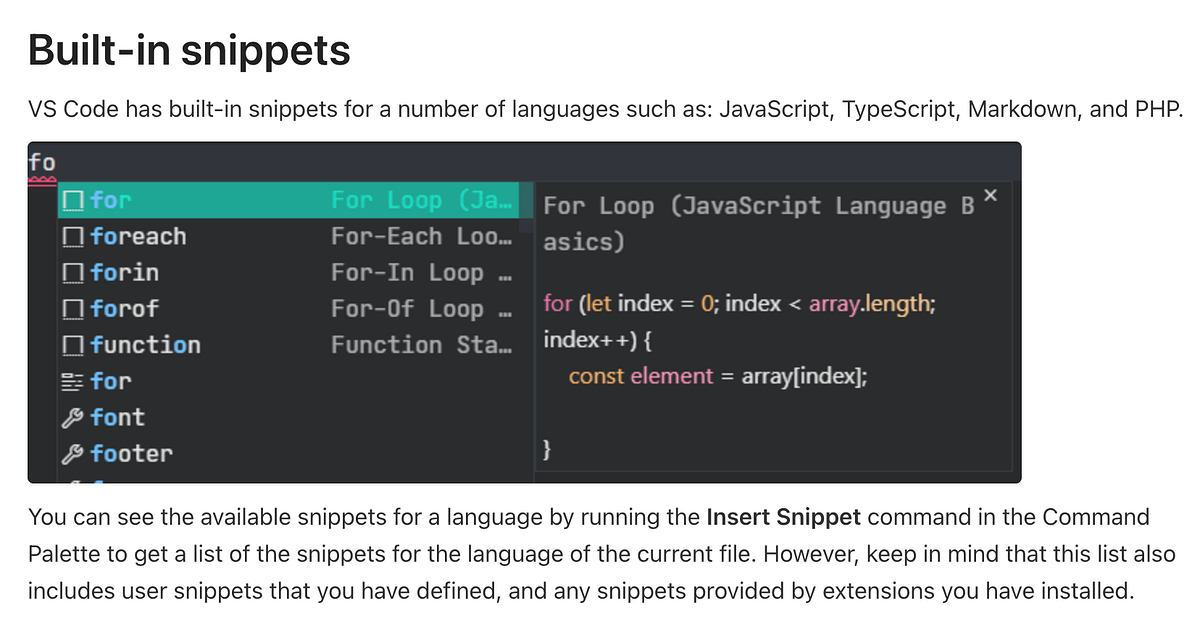
In Visual Studio Code, snippets appear in IntelliSense (⌃Space) mixed with other suggestions, as well as in a dedicated snippet picker (Insert Snippet in the Command Palette). There is also support for tab-completion: Enable it with "editor.tabCompletion": "on", type a snippet prefix (trigger text), and press Tab to insert a snippet.
The snippet syntax follows the TextMate snippet syntax with the exceptions of ‘interpolated shell code’ and the use of \u; both are not supported.
I checked out the VSCode documentation about creating your own snippets. You can easily define your own snippets without any extension. To create or edit your own snippets, select Configure Snippets under Code > Settings, and then select the language (by language identifier) for which the snippets should appear, or the New Global Snippets file option if they should appear for all languages. VS Code manages the creation and refreshing of the underlying snippets file(s) for you.
Obviously there is a lot of information in the documentation, but we want to focus on Project snippet scope since this is used in the Inbox Zero codebase.
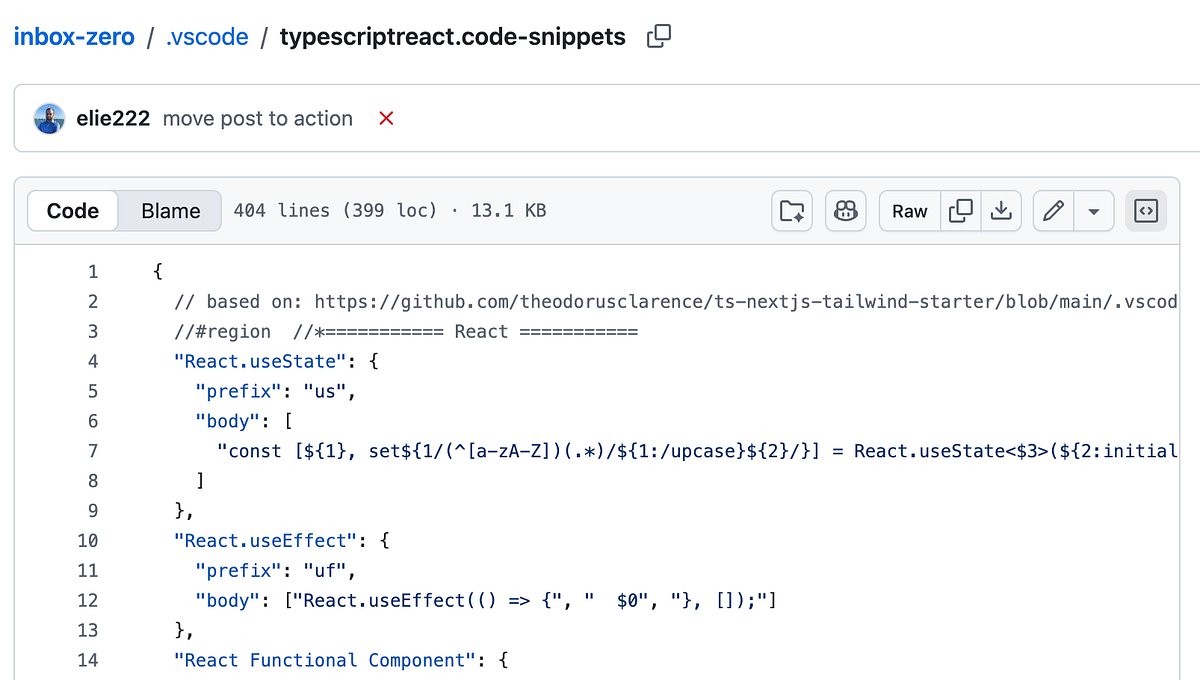
You can also have a global snippets file (JSON with file suffix .code-snippets) scoped to your project. Project-folder snippets are created with the New Snippets file for ''... option in the Snippets: Configure Snippets dropdown menu and are located at the root of the project in a .vscode folder. Project snippet files are useful for sharing snippets with all users working in that project. Project-folder snippets are similar to global snippets and can be scoped to specific languages through the scope property.
Based on what we just learnt above, these are project snippet scopes define, with the extention, .code-snippets I picked about two examples from this inbox-zero file, but be sure to look at the other code snippets defined.