
Security best practices in Umami codebase - part 1.1
Inspired by BulletProof React, I applied its codebase architecture concepts to the Umami codebase.
This article focuses only on the security best practices used in Umami codebase.
Prerequisite
- Security best practices in Umami codebase — part 1.0
Approach
Like I mentioned in the part 1.0, in this article, we will learn how the login works in the Umami codebase.
-
Locate the login form
-
handleSubmit function
Locate the login form
Since Umami uses Next.js app router, it is straight forward to locate the login form.
You will find the following code at umami/src/app/login/page.tsx. Yeah, it is that straight forward.
import type { Metadata } from 'next';
import { LoginPage } from './LoginPage';

export default async function () {
  if (process.env.DISABLE_LOGIN || process.env.CLOUD_MODE) {
    return null;
  }

  return <LoginPage />;
}

export const metadata: Metadata = {
  title: 'Login',
};
The LoginPage component is colocated in the same login folder. Umami is consistent with colocating the components within a route. Consistency “reduces” the tech debt.
'use client';
import { Column } from '@umami/react-zen';
import { LoginForm } from './LoginForm';

export function LoginPage() {
  return (
    <Column alignItems="center" height="100vh" backgroundColor="2" paddingTop="12">
      <LoginForm />
    </Column>
  );
}
LoginForm is defined as shown below:
import {
  Column,
  Form,
  FormButtons,
  FormField,
  FormSubmitButton,
  Heading,
  Icon,
  PasswordField,
  TextField,
} from '@umami/react-zen';
import { useRouter } from 'next/navigation';
import { useMessages, useUpdateQuery } from '@/components/hooks';
import { Logo } from '@/components/svg';
import { setClientAuthToken } from '@/lib/client';
import { setUser } from '@/store/app';

export function LoginForm() {
  const { formatMessage, labels, getErrorMessage } = useMessages();
  const router = useRouter();
  const { mutateAsync, error } = useUpdateQuery('/auth/login');

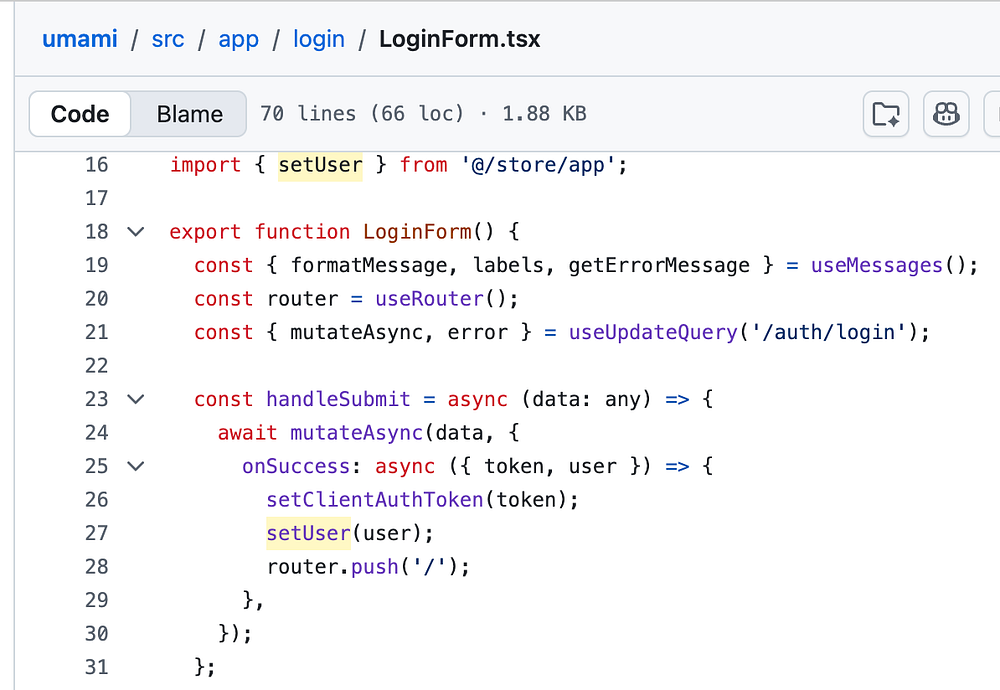
  const handleSubmit = async (data: any) => {
    await mutateAsync(data, {
      onSuccess: async ({ token, user }) => {
        setClientAuthToken(token);
        setUser(user);
        router.push('/');
      },
    });
  };

  return (
    <Column justifyContent="center" alignItems="center" gap="6">
      <Icon size="lg">
        <Logo />
      </Icon>
      <Heading>umami</Heading>
      <Form onSubmit={handleSubmit} error={getErrorMessage(error)}>
        <FormField
          label={formatMessage(labels.username)}
          data-test="input-username"
          name="username"
          rules={{ required: formatMessage(labels.required) }}
        >
          <TextField autoComplete="username" />
        </FormField>

        <FormField
          label={formatMessage(labels.password)}
          data-test="input-password"
          name="password"
          rules={{ required: formatMessage(labels.required) }}
        >
          <PasswordField autoComplete="current-password" />
        </FormField>
        <FormButtons>
          <FormSubmitButton
            data-test="button-submit"
            variant="primary"
            style={{ flex: 1 }}
            isDisabled={false}
          >
            {formatMessage(labels.login)}
          </FormSubmitButton>
        </FormButtons>
      </Form>
    </Column>
  );
}
To understand what is going on, it comes down to studying:
-
useUpdateQuery
-
handleSubmit
handleSubmit function
When you submit the login form, it is handled as defined below:
const { mutateAsync, error } = useUpdateQuery('/auth/login');

const handleSubmit = async (data: any) => {
  await mutateAsync(data, {
    onSuccess: async ({ token, user }) => {
      setClientAuthToken(token);
      setUser(user);
      router.push('/');
    },
  });
};
useUpdateQuery
Umami uses Tanstack React Query. This useUpdateQuery is a reusable update hook.
import { useToast } from '@umami/react-zen';
import type { ApiError } from '@/lib/types';
import { useApi } from '../useApi';
import { useModified } from '../useModified';

export function useUpdateQuery(path: string, params?: Record<string, any>) {
  const { post, useMutation } = useApi();
  const query = useMutation<any, ApiError, Record<string, any>>({
    mutationFn: (data: Record<string, any>) => post(path, { ...data, ...params }),
  });
  const { touch } = useModified();
  const { toast } = useToast();

  return { ...query, touch, toast };
}
onSuccess
onSuccess is a callback defined that gets executed when the user logs in successfully.
onSuccess: async ({ token, user }) => {
  setClientAuthToken(token);
  setUser(user);
  router.push('/');
},
Now this does three things:
- setClientAuthToken
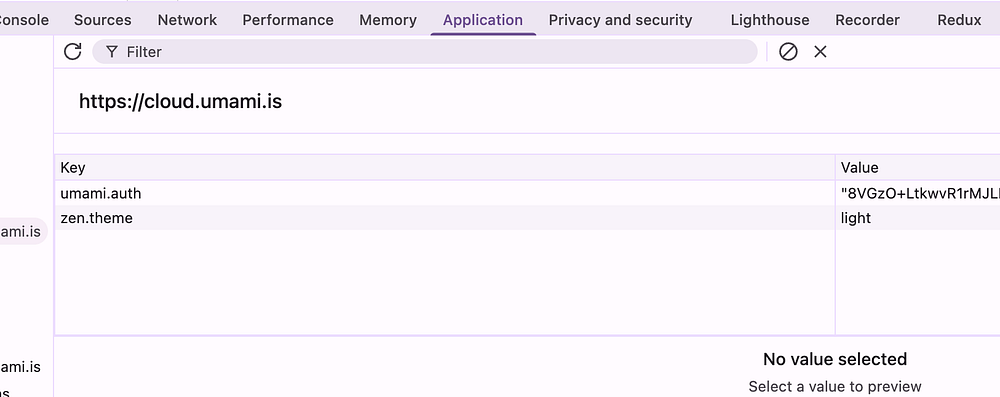
setClientAuthToken updates the local storage with the auth token.
- setUser
export function setUser(user: object) {
  store.setState({ user });
}
setUser updates the Zustand store with the currently logged in user information.
and finally you are redirected to the / home route.
About me:
Hey, my name is Ramu Narasinga. Email: ramu.narasinga@gmail.com
Tired of AI-generated code that works but nobody understands?
I spent 3+ years studying OSS codebases and wrote 350+ articles on what makes them production-grade. I built an open source tool that reviews your PR against your existing codebase patterns.
Your codebase. Your patterns. Enforced.