Claude-Mem is a Claude Code plugin that automatically captures everything Claude does during your coding sessions, compresses it with AI (using Claude’s agent-sdk), and injects relevant context back into future sessions.
Claude-Mem is your AI’s trusty note-taking sidekick. Never lose track ever again.
I try to write atleast one article related to how an OSS codebase handles logs. So the common pattern is to define your logging related functions in a file and reuse them across your codebase. Gives you the flexibility of applying colors, modifying message etc.,
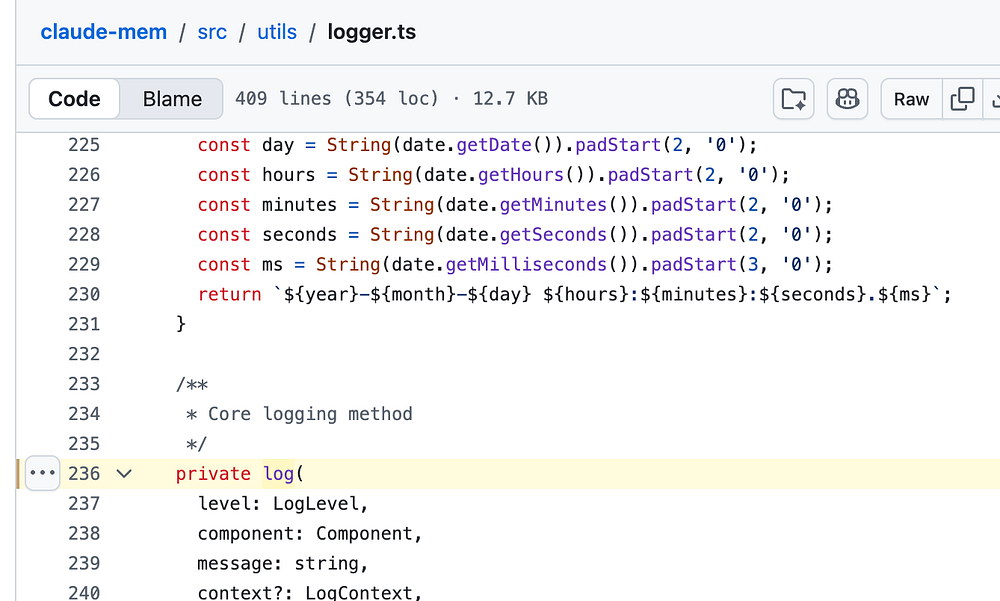
With that said, Claude-Mem has this file, src/utils/logger.ts. There is one core method:
/** * Core logging method */private log( level: LogLevel, component: Component, message: string, context?: LogContext, data?: any): void { if (level < this.getLevel()) return; // Lazy initialize log file on first use this.ensureLogFileInitialized(); const timestamp = this.formatTimestamp(new Date()); const levelStr = LogLevel[level].padEnd(5); const componentStr = component.padEnd(6); // Build correlation ID part let correlationStr = ''; if (context?.correlationId) { correlationStr = `[${context.correlationId}] `; } else if (context?.sessionId) { correlationStr = `[session-${context.sessionId}] `; } // Build data part let dataStr = ''; if (data !== undefined && data !== null) { // Handle Error objects specially - they don't JSON.stringify properly if (data instanceof Error) { dataStr = this.getLevel() === LogLevel.DEBUG ? `\n${data.message}\n${data.stack}` : ` ${data.message}`; } else if (this.getLevel() === LogLevel.DEBUG && typeof data === 'object') { // In debug mode, show full JSON for objects dataStr = '\n' + JSON.stringify(data, null, 2); } else { dataStr = ' ' + this.formatData(data); } } // Build additional context let contextStr = ''; if (context) { const { sessionId, memorySessionId, correlationId, ...rest } = context; if (Object.keys(rest).length > 0) { const pairs = Object.entries(rest).map(([k, v]) => `${k}=${v}`); contextStr = ` {${pairs.join(', ')}}`; } } const logLine = `[${timestamp}] [${levelStr}] [${componentStr}] ${correlationStr}${message}${contextStr}${dataStr}`; // Output to log file ONLY (worker runs in background, console is useless) if (this.logFilePath) { try { appendFileSync(this.logFilePath, logLine + '\n', 'utf8'); } catch (error) { // Logger can't log its own failures - use stderr as last resort // This is expected during disk full / permission errors process.stderr.write(`[LOGGER] Failed to write to log file: ${error}\n`); } } else { // If no log file available, write to stderr as fallback process.stderr.write(logLine + '\n'); }}
So this core log method actually write the logs to a file. They also justify why with a comment:
// Output to log file ONLY (worker runs in background, console is useless)
and with a fallback else block to write to stderr.
and there is public logging methods defined just under this one: