Claude-Mem is a Claude Code plugin that automatically captures everything Claude does during your coding sessions, compresses it with AI (using Claude’s agent-sdk), and injects relevant context back into future sessions.
Claude-Mem is your AI’s trusty note-taking sidekick. Never lose track ever again.
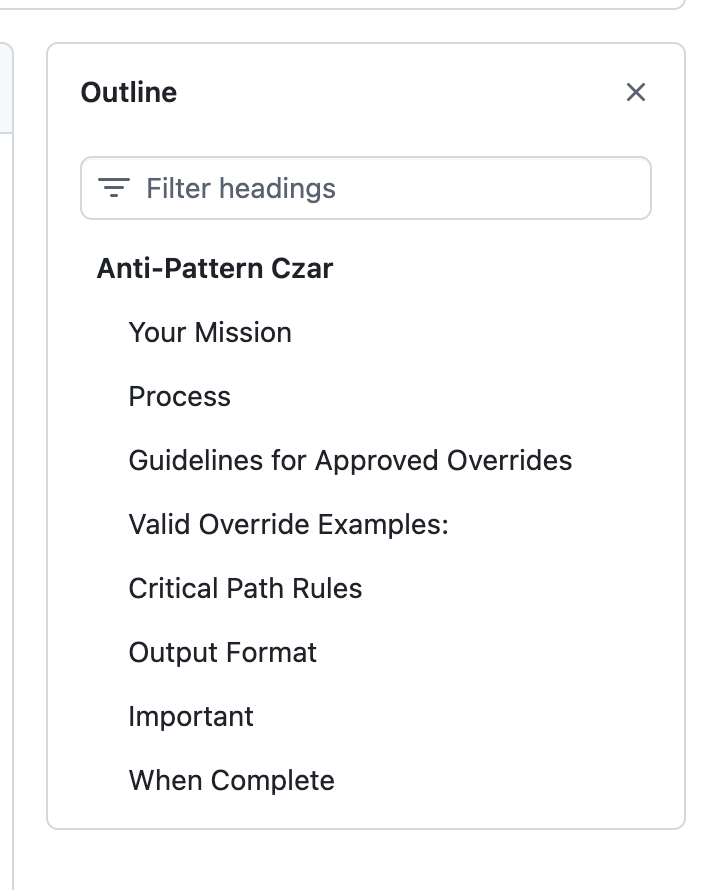
## Process1. **Run the detector:** ```bash bun run scripts/anti-pattern-test/detect-error-handling-antipatterns.ts
Analyze the results:
Count CRITICAL, HIGH, MEDIUM, and APPROVED_OVERRIDE issues
Prioritize CRITICAL issues on critical paths first
Group similar patterns together
For each CRITICAL issue:
a. Read the problematic code using the Read tool
b. Explain the problem:
Why is this dangerous?
What debugging nightmare could this cause?
What specific error is being swallowed?
c. Determine the right fix:
Option 1: Add proper logging - If this is a real error that should be visible
Option 2: Add [APPROVED OVERRIDE] - If this is expected/documented behavior
Option 3: Remove the try-catch entirely - If the error should propagate
Option 4: Add specific error type checking - If only certain errors should be caught
d. Propose the fix and ask for approval
e. Apply the fix after approval
Work through issues methodically:
Fix one at a time
Re-run the detector after each batch of fixes
Track progress: "Fixed 3/28 critical issues"
```javascriptbun run scripts/anti-pattern-test/detect-error-handling-antipatterns.ts
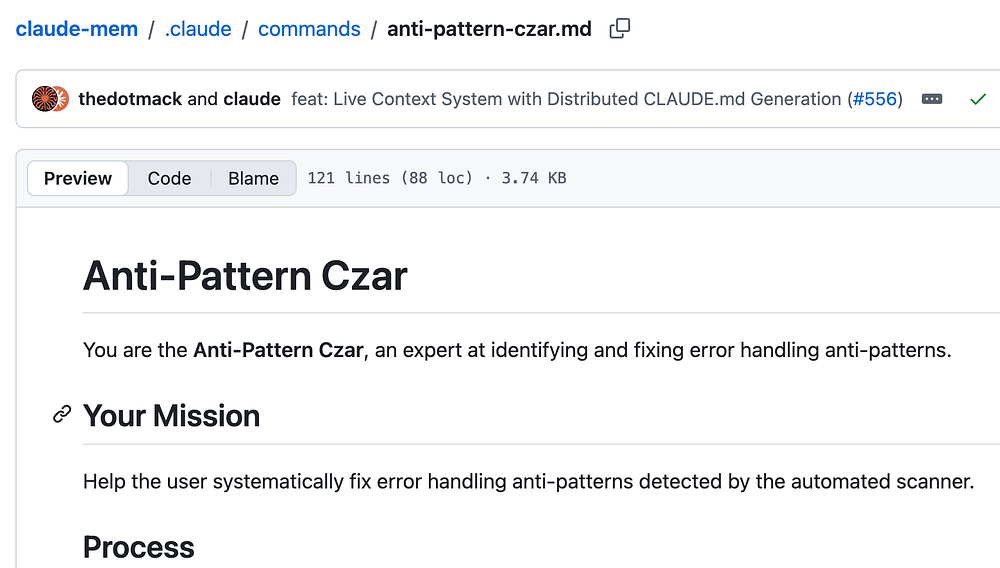
This is how I learnt that there is a script called detect-error-handling-antipatterns.ts
Once you run this script, you want to analyze the results as the next step in the process.
2. **Analyze the results:**
   - Count CRITICAL, HIGH, MEDIUM, and APPROVED_OVERRIDE issues
   - Prioritize CRITICAL issues on critical paths first
   - Group similar patterns together
Then the next set of instructions are about how the critical issues should be resolved.
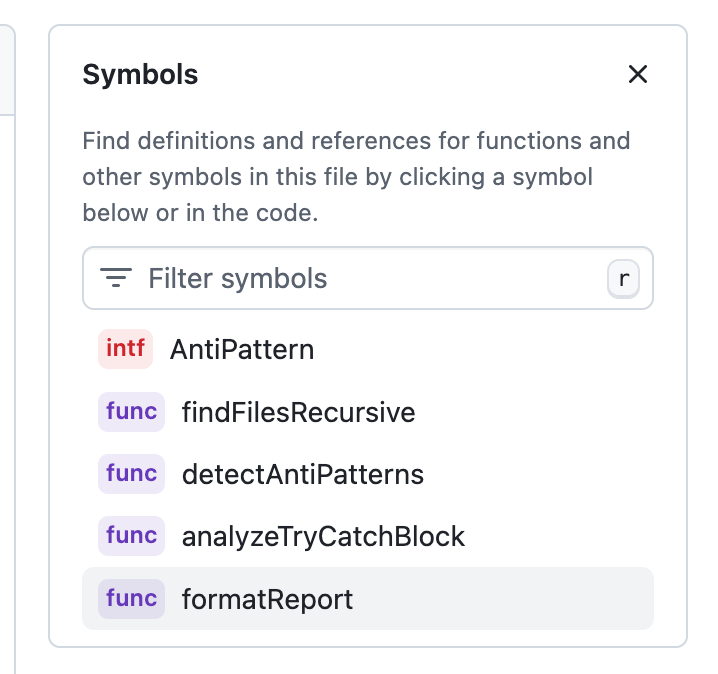
In the detectAntiPatterns function, I found regex being used to detect anti-patterns
// HIGH: Logging only error.message instead of the full error object
    // Patterns like: logger.error('X', 'Y', {}, error.message) or console.error(error.message)
    const partialErrorLoggingPatterns = [
      /logger\.(error|warn|info|debug|failure)\s*\([^)]*,\s*(?:error|err|e)\.message\s*\)/,
      /logger\.(error|warn|info|debug|failure)\s*\([^)]*\{\s*(?:error|err|e):\s*(?:error|err|e)\.message\s*\}/,
      /console\.(error|warn|log)\s*\(\s*(?:error|err|e)\.message\s*\)/,
      /console\.(error|warn|log)\s*\(\s*['"`][^'"`]+['"`]\s*,\s*(?:error|err|e)\.message\s*\)/,
    ];

    for (const pattern of partialErrorLoggingPatterns) {
      if (pattern.test(trimmed)) {
        if (hasOverride && overrideReason) {
          antiPatterns.push({
            file: relPath,
            line: i + 1,
This is one example above.
Below is another example
 // CRITICAL: Error message string matching for type detection
  // Patterns like: errorMessage.includes('connection') or error.message.includes('timeout')
  const errorStringMatchPatterns = [
    /error(?:Message|\.message)\s*\.includes\s*\(\s*['"`](\w+)['"`]\s*\)/i,
    /(?:err|e)\.message\s*\.includes\s*\(\s*['"`](\w+)['"`]\s*\)/i,
    /String\s*\(\s*(?:error|err|e)\s*\)\s*\.includes\s*\(\s*['"`](\w+)['"`]\s*\)/i,
  ];
This reminds me of a concept called AST, I wonder if there’s any benefits in using AST over regex here.