
Error handling in Umami codebase - part 1.0
Inspired by BulletProof React, I applied its codebase architecture concepts to the Umami codebase.
You might be wondering:
-
What is Umami?
-
What is error handling?
Let’s find out.
What is Umami?
Umami is an open-source, privacy-focused web analytics tool that serves as an alternative to Google Analytics. It provides essential insights into website traffic, user behavior, and performance, all while prioritizing data privacy.
Unlike many traditional analytics platforms, Umami does not collect or store personal data, avoiding the need for cookies, and is GDPR and PECR compliant.
Designed to be lightweight and easy to set up, Umami can be self-hosted, giving users full control over their data.
A detailed getting started guide can be found at umami.is/docs.
Quickstart
To get Umami up and running you will need to:
I pulled the above information from the Umami docs.
What is error handling?
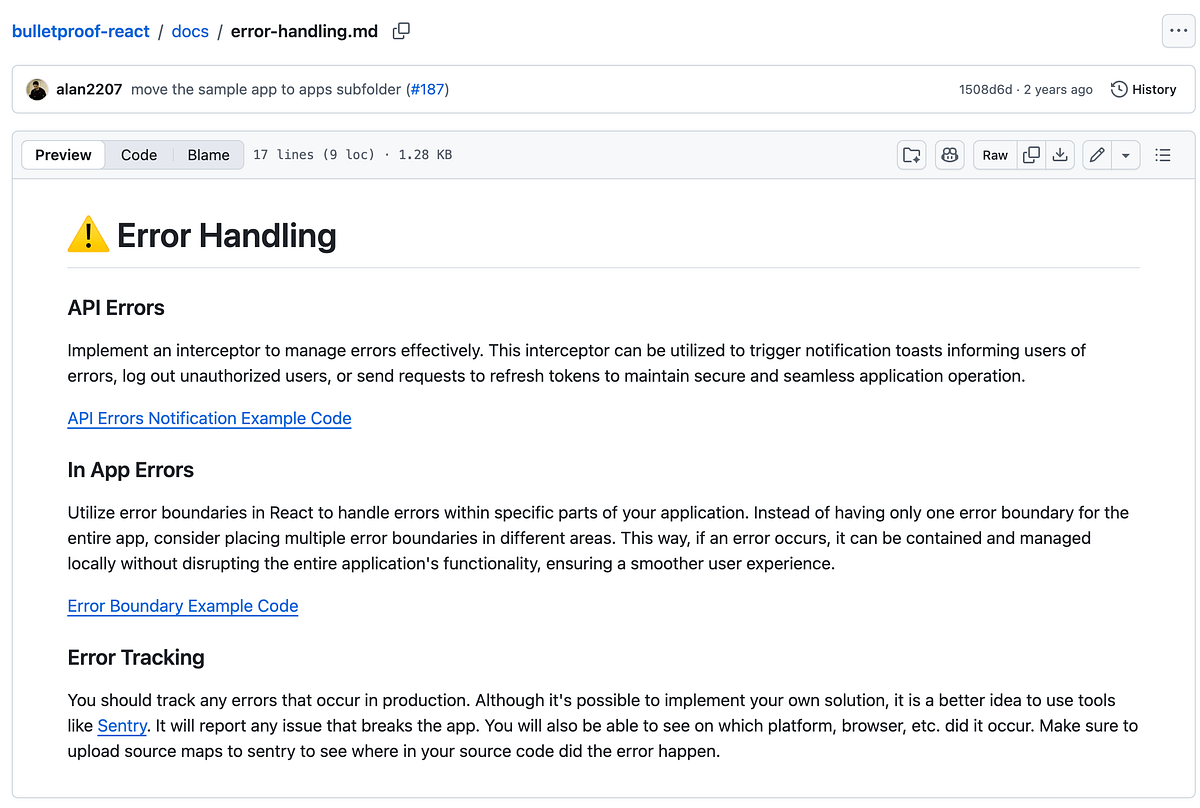
If you take a look at Bulletproof React’s Error Handling guide, you will find the following sections:
We will find out how Umami has implemented these error handlers in the next articles.
About me:
Hey, my name is Ramu Narasinga. Email: ramu.narasinga@gmail.com
Tired of AI-generated code that works but nobody understands?
I spent 3+ years studying OSS codebases and wrote 350+ articles on what makes them production-grade. I built an open source tool that reviews your PR against your existing codebase patterns.
Your codebase. Your patterns. Enforced.