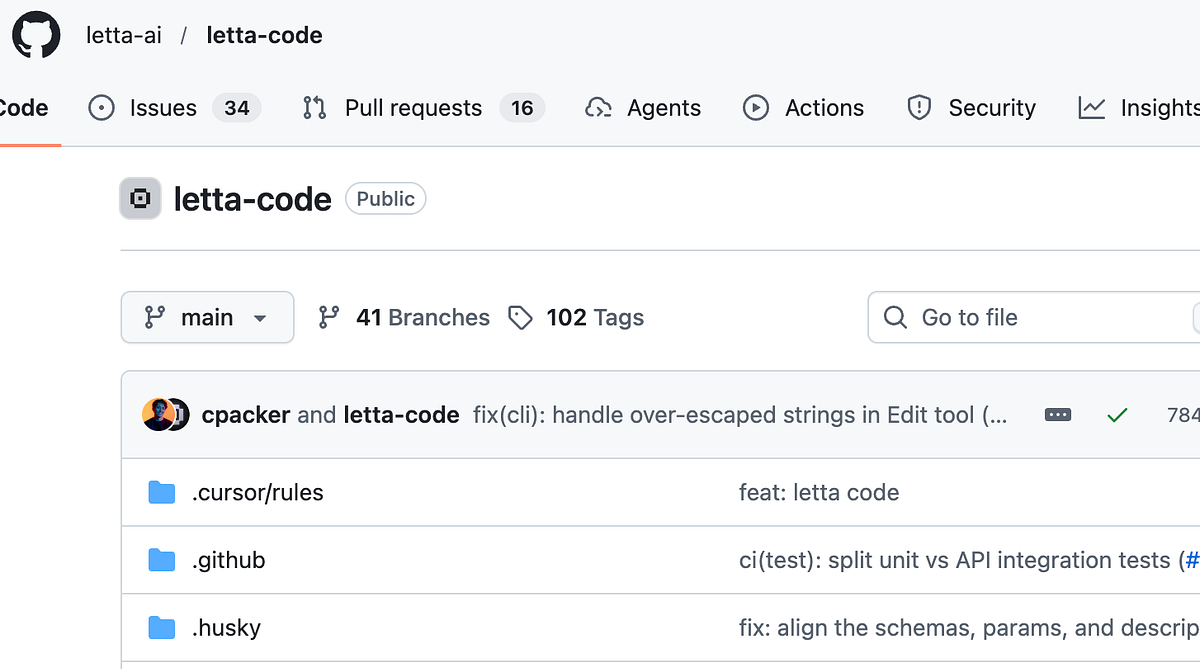
Letta Code is a deeply personalized stateful agent that lives on your local computer and can learn from experience and improve with use.
Unlike Claude Code, Letta Code is open source, model agnostic (use Claude, GPT, Gemini, or any model you want), and most importantly, is stateful, meaning that you can use the same agent across many coding sessions, and have it learn and improve over time.
Then navigate to your project and run letta to launch Letta Code:
cd your-projectletta
On first use, you’ll be prompted to log in. Follow the instructions to authenticate Letta Code with your Letta account, then return to the terminal. 👾 Beep boop — you’re ready to chat!
Work in your local computer: Letta Code lives in your terminal, and can do anything you can do on your computer! Ask Letta Code to write code, edit and organize files, run programs, and more. The more Letta Code does, the more it learns.
Remember all prior interactions: Your agent persists across sessions. It remembers your codebase, preferences, and past interactions. Memories and messages are persisted and searchable via tools, skills, and subagents.
Self-improve and evolve over time: You can deeply customize your agent’s personality and memory system, either by directly editing its memory blocks, or by asking the agent to modify itself. Run /init to bootstrap project knowledge, and /remember to save important context.