Invite-Only Early Access — Think Throo GitHub App is currently invite-only. Request access here.
2026February

Husky configuration in Letta Code codebase.

In this article, we review Husky configuration in Letta Code. We will look at:

  1. What is Letta Code?

  2. Husky configuration.

What is Letta Code?

Letta Code is a deeply personalized stateful agent that lives on your local computer and can learn from experience and improve with use.

Unlike Claude Code, Letta Code is open source, model agnostic (use Claude, GPT, Gemini, or any model you want), and most importantly, is stateful, meaning that you can use the same agent across many coding sessions, and have it learn and improve over time.

Learn more about Letta Code.

Husky configuration

Husky improves your commits.

Features

  • Just 2 kB (📦 gzipped) with no dependencies

  • Fastest due to being lightweight (runs in ~1ms)

  • Uses new Git feature (core.hooksPath)

  • Supports:

  • macOS, Linux, Windows

  • Git GUIs, Node version managers, custom hooks directory, nested projects, monorepos

  • All 13 client-side Git hooks

Learn more about Husky.

I would also recommend checking this Husky’s Getting Started Guide.

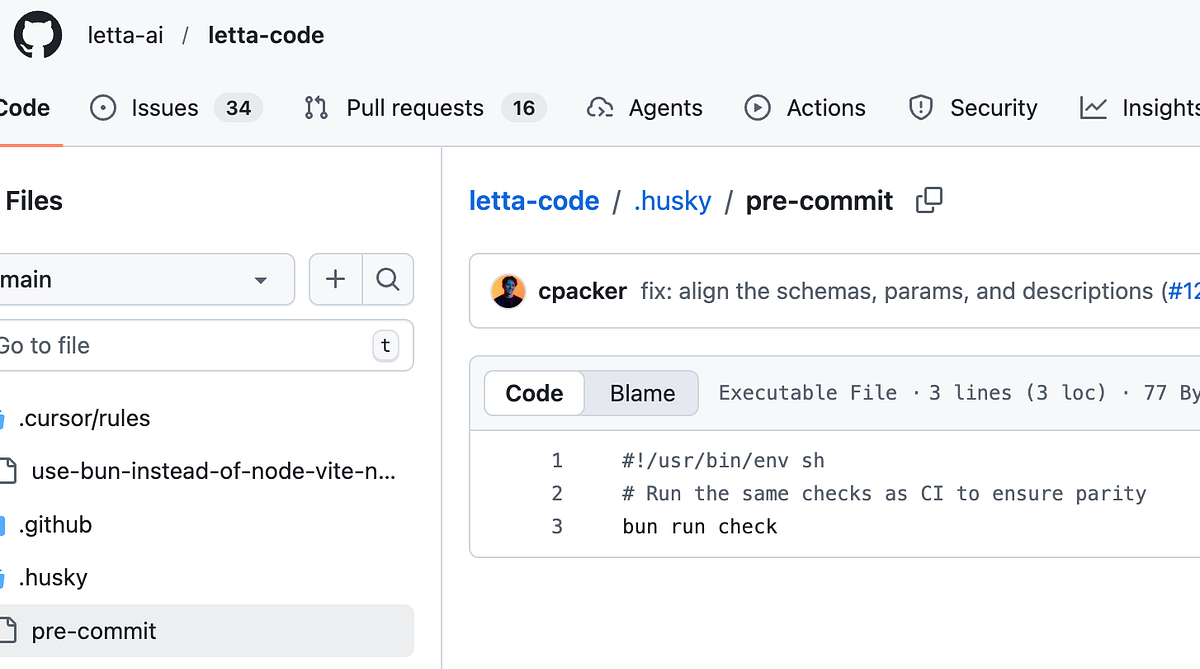
In the Letta Code codebase, I saw this:

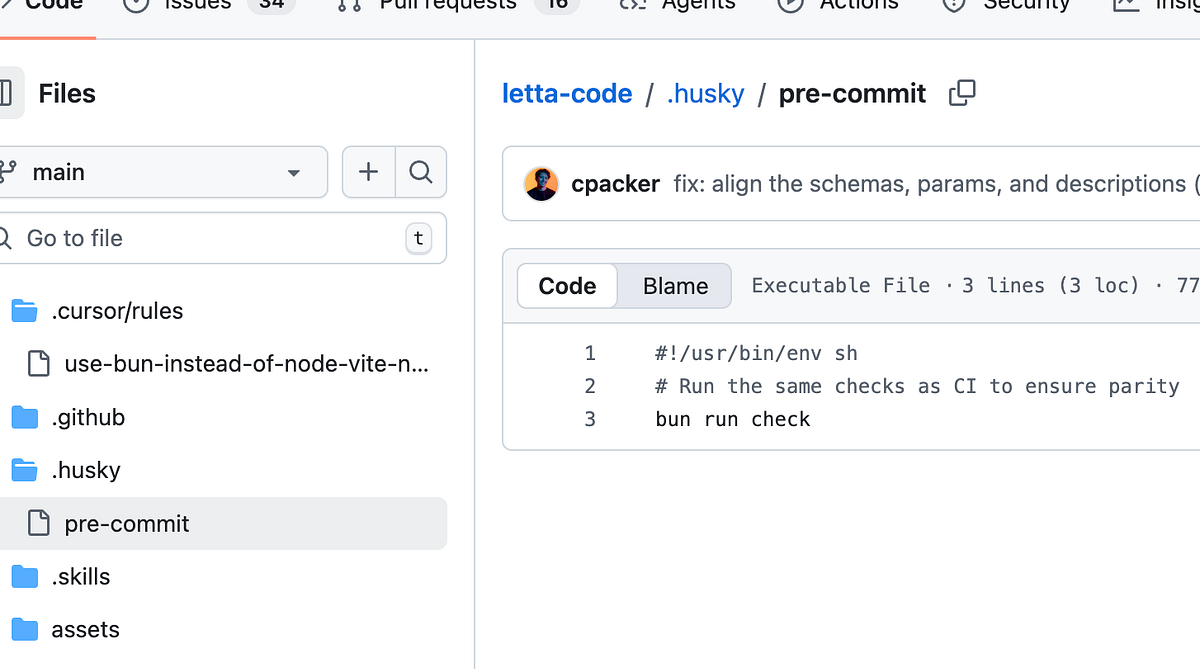
There is only one file named pre-commit. This file gets executed before your staged changes are commited to your local git.

#!/usr/bin/env sh
# Run the same checks as CI to ensure parity
bun run check

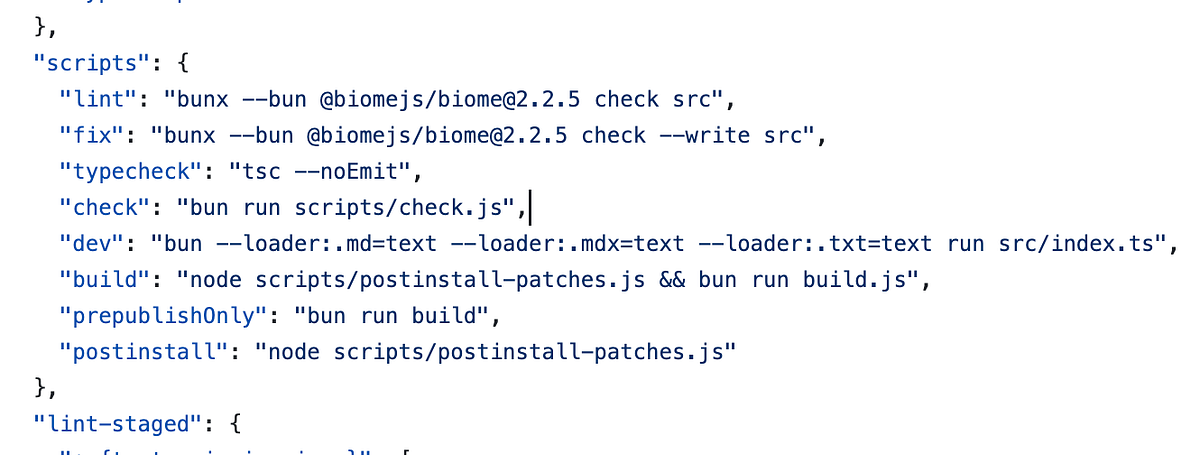
Letta Code runs this command bun run check 

Where to locate this script? package.json is where you will find this script:

This check executes scripts/check.js

scripts/check.js

This check.js is defined as shown below:

#!/usr/bin/env bun
// Script to run linting and type checking with helpful error messages
 
import { $ } from "bun";
 
console.log("🔍 Running lint and type checks...\n");
 
let failed = false;
 
// Run lint
console.log("📝 Running Biome linter...");
try {
  await $`bun run lint`;
  console.log("✅ Linting passed\n");
} catch (error) {
  console.error("❌ Linting failed\n");
  console.error("To fix automatically, run:");
  console.error("  bun run fix\n");
  failed = true;
}
 
// Run typecheck
console.log("🔎 Running TypeScript type checker...");
try {
  await $`bun run typecheck`;
  console.log("✅ Type checking passed\n");
} catch (error) {
  console.error("❌ Type checking failed\n");
  console.error("Fix the type errors shown above, then run:");
  console.error("  bun run typecheck\n");
  failed = true;
}
 
if (failed) {
  console.error("❌ Checks failed. Please fix the errors above.");
  console.error("\nQuick commands:");
  console.error("  bun run fix       # Auto-fix linting issues");
  console.error("  bun run typecheck # Check types only");
  console.error("  bun run check     # Run both checks");
  process.exit(1);
}
 
console.log("✅ All checks passed!");

This basically runs the linting and type checking.

Now that’s one way to use pre-commit hook.

About me:

Hey, my name is Ramu Narasinga. Email: ramu.narasinga@gmail.com

Tired of AI-generated code that works but nobody understands? 

I spent 3+ years studying OSS codebases and wrote 350+ articles on what makes them production-grade. I built an open source tool that reviews your PR against your existing codebase patterns.

Your codebase. Your patterns. Enforced. 

Get started for free —thinkthroo.com

References:

  1. letta-code/blob/main/.husky/pre-commit

  2. https://docs.letta.com/letta-code

  3. https://github.com/typicode/husky

  4. husky/get-started.html#get-started

  5. letta-ai/letta-code/blob/main/scripts/check.js