
Components structure in Twenty codebase — Part 1.0
Inspired by BulletProof React, I applied its codebase architecture concepts to the Twenty codebase.
You might be wondering:
-
What is Twenty?
-
What is a components structure?
Let’s find out.
Press enter or click to view image in full size
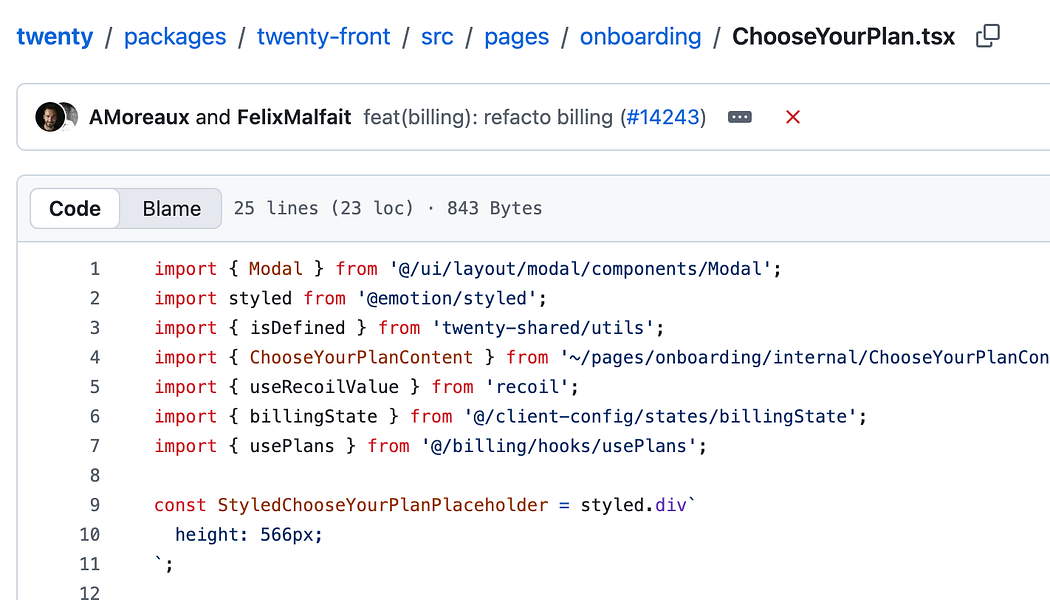
What is Twenty?
Twenty is an open-source CRM that gives you the building blocks to create exactly what your business needs.
Main Features
-
Calendar & Emails: Sync your mailbox and calendar to see all communications on your CRM records. Learn more.
-
Data Model: Create custom objects and fields to match your unique business processes. Explore.
-
Data Migration: Import and export your data via CSV or API. Get started.
-
Views & Pipelines: Organize your data with table views, kanban boards, and sales pipelines. Discover.
-
Workflows: Automate your business processes and integrate with external tools. Build automations.
-
AI: Enhance your CRM with AI-powered features and agents. Explore AI.
-
Dashboards: Track performance with custom reports and visualizations. View dashboards.
-
Permissions & Access: Control who can view, edit, and manage your data with role-based permissions. Configure access.
-
Notes & Tasks: Create notes and tasks linked to your records for better collaboration.
-
API & Webhooks: Connect to other apps and build custom integrations. Start integrating.
I copied the above info from the Twenty documentation.
What is a components structure?
In the context of web application, you have a page.tsx that renders the entire page and then you would have components broken down to create a maintainable page.
Thinking in React helps you understand how you can break down a user interface into components.
Bulletproof React provides these best practices for components structure:
-
Colocate things as close as possible to where it’s being used
-
Avoid large components with nested rendering functions
-
Stay consistent
-
Limit the number of props a component is accepting as input
-
Abstract shared components into a component library
In this series, we will understand how Twenty applies the components structure to stay organized.
The approach we take is simple:
-
Pick a route
-
Locate this route in Twenty codebase
-
Review how the components are imported and organized.
-
We repeat this process for 3–4 pages to establish a common pattern, see if there’s any exceptions.
About me:
Hey, my name is Ramu Narasinga. Email: ramu.narasinga@gmail.com
Tired of AI-generated code that works but nobody understands?
I spent 3+ years studying OSS codebases and wrote 350+ articles on what makes them production-grade. I built an open source tool that reviews your PR against your existing codebase patterns.
Your codebase. Your patterns. Enforced.