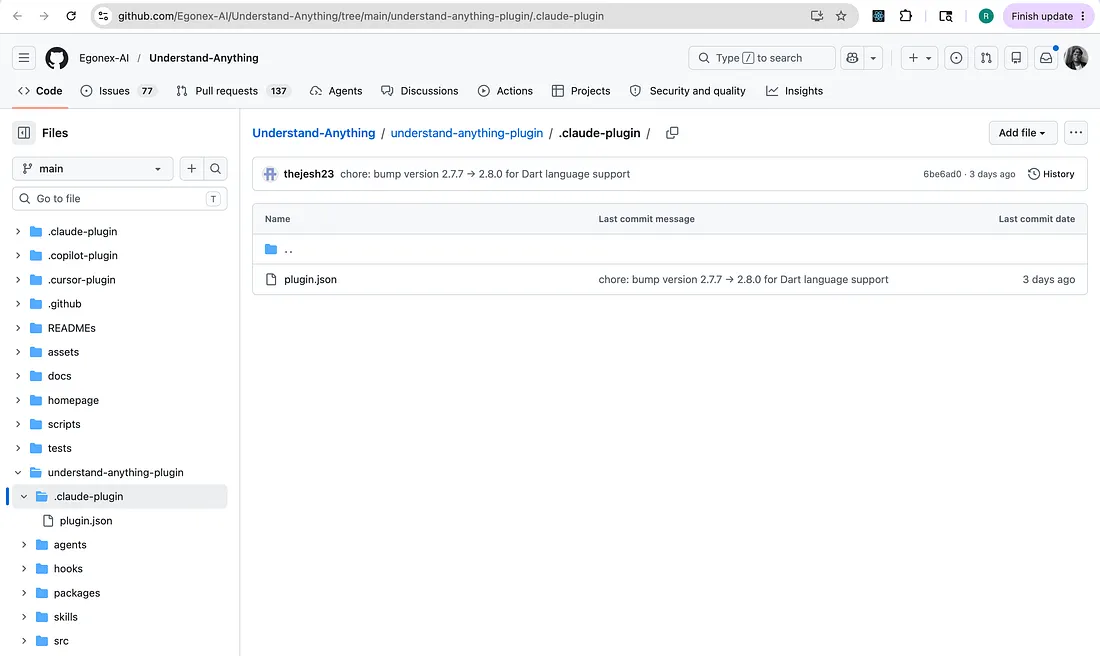
You can create custom plugins to extend Claude Code with skills, agents, hooks, and MCP servers. Plugins let you extend Claude Code with custom functionality that can be shared across projects and teams.
You can use a plugin when you want to share directories containing skills, agents, hooks etc., with teammates, things that are reusable across projects.
There is a also a standalone configuration, defined in .claude folder and this can be specific to a project, can include personal workflows or for quick experiments.
You will define the metadata such as name, description, and version of your plugin. In plugin manager, this info is used by Claude Code to display your plugin.
// run this firstmkdir my-first-plugin/.claude-plugin
and then add this to my-first-plugin/.claude-plugin/plugin.json.
{ "name": "my-first-plugin", "description": "A greeting plugin to learn the basics", "version": "1.0.0", "author": { "name": "Your Name" }}
You can pass user input as an argument to your skill to make it dynamic. $ARGUMENTS placeholder captures any text user provides after the skill name.
Update your SKILL.md to use this $ARGUMENTS variable in your file.
---description: Greet the user with a personalized message---# Hello SkillGreet the user named "$ARGUMENTS" warmly and ask how you can help them today. Make the greeting personal and encouraging.
At this point, it is important that you run /reload-plugins to pick up changes and then you can run your skill as shown below: