Think Throo is in Beta — We're actively improving. Your feedback helps.
2026May

Here is how you can render HTML-based videos using AI coding agent.

In this article, we review HyperFrames. You will learn:

  1. What is HyperFrames?

  2. HyperFrames vs Remotion

What is HyperFrames?

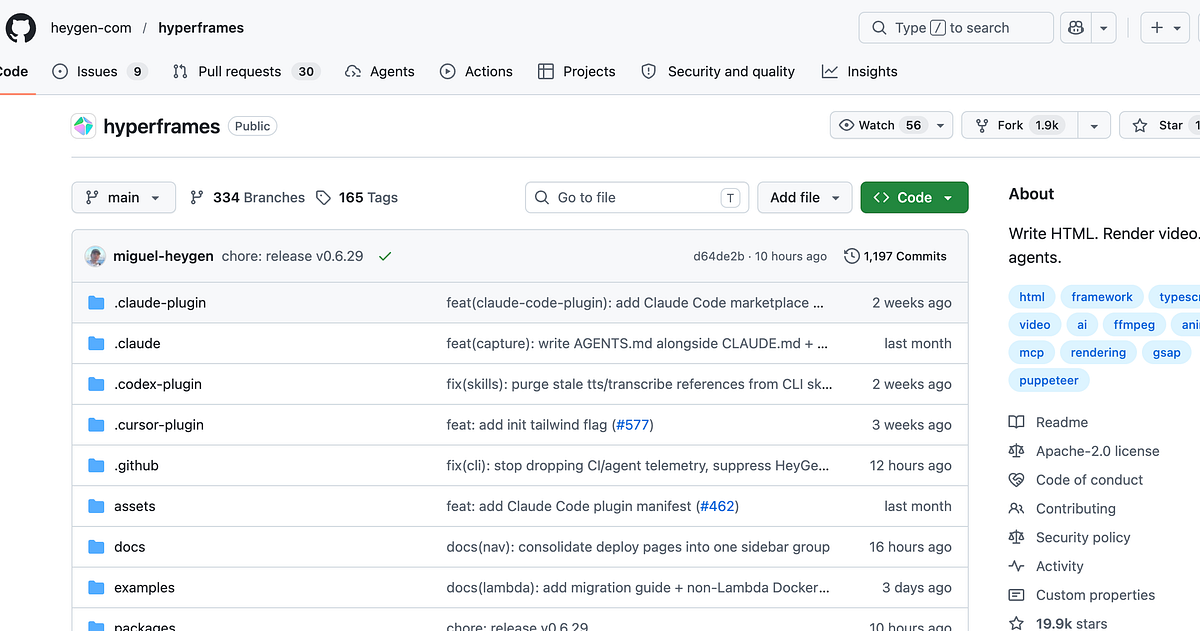
Hyperframes is an open-source video rendering framework that lets you create, preview, and render HTML-based video compositions - with first-class support for AI agents.

Getting Started

You want to install the HyperFrames skills:

npx skills add heygen-com/hyperframes

and then, define your prompt. Below is an example prompt:

Using /hyperframes, create a 10-second product intro with a fade-in title, a background video, and background music.

Hyperframes also provides to create a project manually.

npx hyperframes init my-video cd my-video npx hyperframes preview # preview in browser (live reload) npx hyperframes render # render to MP4

I highly recommend reading the HyperFrames README..

HyperFrames vs Remotion

Hyperframes is inspired by Remotion.- we used Remotion at HeyGen in production, learned a ton from it, and kept attribution comments in the source for the patterns it pioneered (Chrome launch flags, image2pipe → FFmpeg streaming, frame buffering). Both tools drive headless Chrome and both are deterministic. They differ on one decision: what the primary author writes. Remotion's bet is React components; Hyperframes' bet is HTML.

I copied this info from the README.

Remotion.also has a feature -Prompt a video.

I also did write an article about how Remotion uses Degit to download template..

About me:

Hey, my name is ramunarasinga. Email: ramunarasinga@gmail.com

Tired of AI slop?

I spent 3+ years studying OSS codebases and wrote 350+ articles on what makes them production-grade. I built

Get started for free — thinkthroo.com

References:

  1. github.com/heygen-com/hyperframes.

  2. remotion.dev/docs/ai/coding-agents.

  3. remotion.dev/.

  4. remotion.dev/docs/ai/coding-agents.