Make entire codebase the context for any coding agent using claude-context. Claude Context is an MCP plugin that adds semantic code search to Claude Code and other AI coding agents, giving them deep context from your entire codebase.
🧠 Your Entire Codebase as Context: Claude Context uses semantic search to find all relevant code from millions of lines. No multi-round discovery needed. It brings results straight into the Claude’s context.
💰 Cost-Effective for Large Codebases: Instead of loading entire directories into Claude for every request, which can be very expensive, Claude Context efficiently stores your codebase in a vector database and only uses related code in context to keep your costs manageable.
As I was reading thru the claude-context source code, I came across the concepts like saving snapshot. Saving where? I asked this question and looked into the function implementation.
Below is a code snippet from handler.ts, showing how the saveCodebaseSnapshot is invoked.
// Check if already indexingif (this.snapshotManager.getIndexingCodebases().includes(absolutePath)) { if (forceReindex) { console.log(`[FORCE-REINDEX] Clearing stale indexing state for '${absolutePath}'`); this.snapshotManager.removeCodebaseCompletely(absolutePath); this.snapshotManager.saveCodebaseSnapshot(); } else { return { content: [{ type: "text", text: `Codebase '${absolutePath}' is already being indexed in the background. Please wait for completion.` }], isError: true }; }}
Below is the code snippet picked from the snapshot.ts
public saveCodebaseSnapshot(): void { console.log('[SNAPSHOT-DEBUG] Saving codebase snapshot to:', this.snapshotFilePath); const locked = this.acquireLock(); if (!locked) { console.warn('[SNAPSHOT-DEBUG] Failed to acquire lock, saving without lock'); } try { // Ensure directory exists const snapshotDir = path.dirname(this.snapshotFilePath); if (!fs.existsSync(snapshotDir)) { fs.mkdirSync(snapshotDir, { recursive: true }); console.log('[SNAPSHOT-DEBUG] Created snapshot directory:', snapshotDir); }...
I mean, snapshot is written to your local file system. Claude-Context uses file system to keep track of codebase indexing, is what I figured looking at some of the files and the way file-system was used.
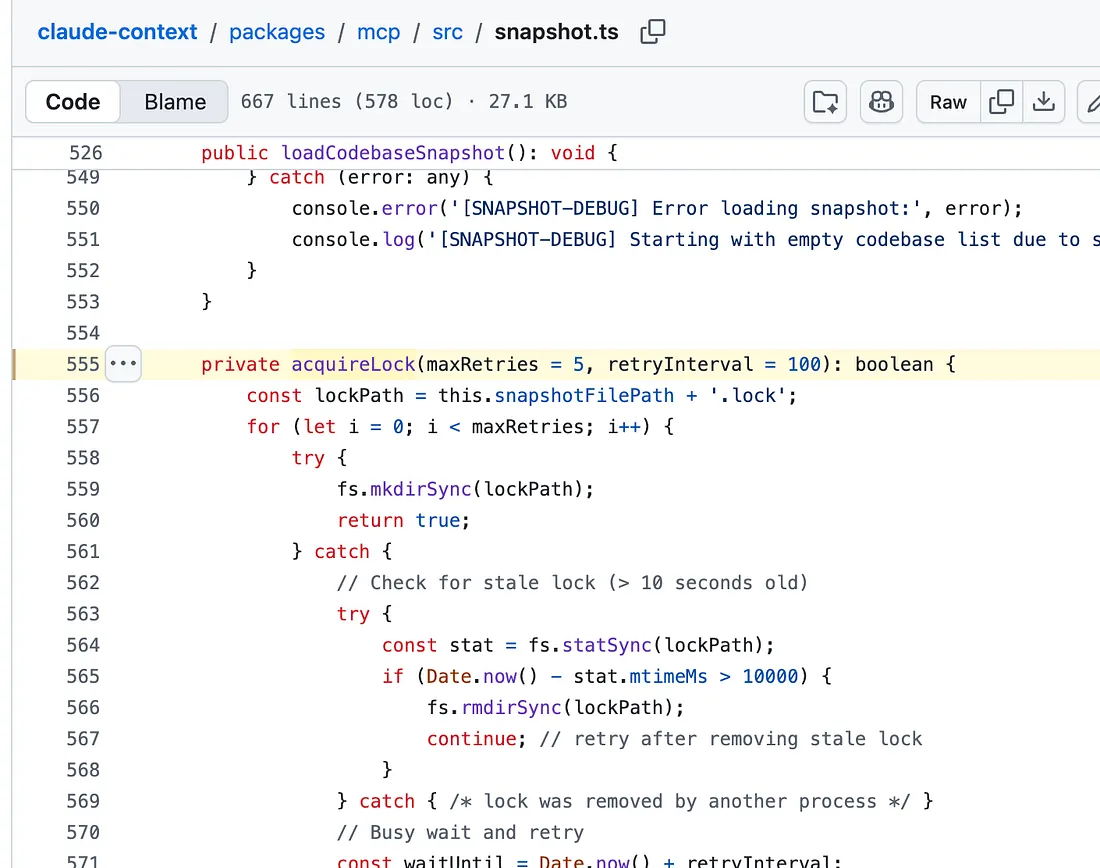
Since we now understand what led to finding this acquireLock function, let’s take a look at this function, acquireLock.
private acquireLock(maxRetries = 5, retryInterval = 100): boolean { const lockPath = this.snapshotFilePath + '.lock'; for (let i = 0; i < maxRetries; i++) { try { fs.mkdirSync(lockPath); return true; } catch { // Check for stale lock (> 10 seconds old) try { const stat = fs.statSync(lockPath); if (Date.now() - stat.mtimeMs > 10000) { fs.rmdirSync(lockPath); continue; // retry after removing stale lock } } catch { /* lock was removed by another process */ } // Busy wait and retry const waitUntil = Date.now() + retryInterval; while (Date.now() < waitUntil) { /* busy wait */ } } } return false;}
It creates a lock file using the snapshotFilePath with .lock extension and then returns true. mkdirsync synchronously creates a directory. Returns undefined, or if recursive is true, the first directory path created. This is the synchronous version of mkdir.