
mise.toml in Immich codebase.
In this article, we review mise.toml file in Immich codebase. We will look at:
-
What is Immich?
-
What is Mise?
-
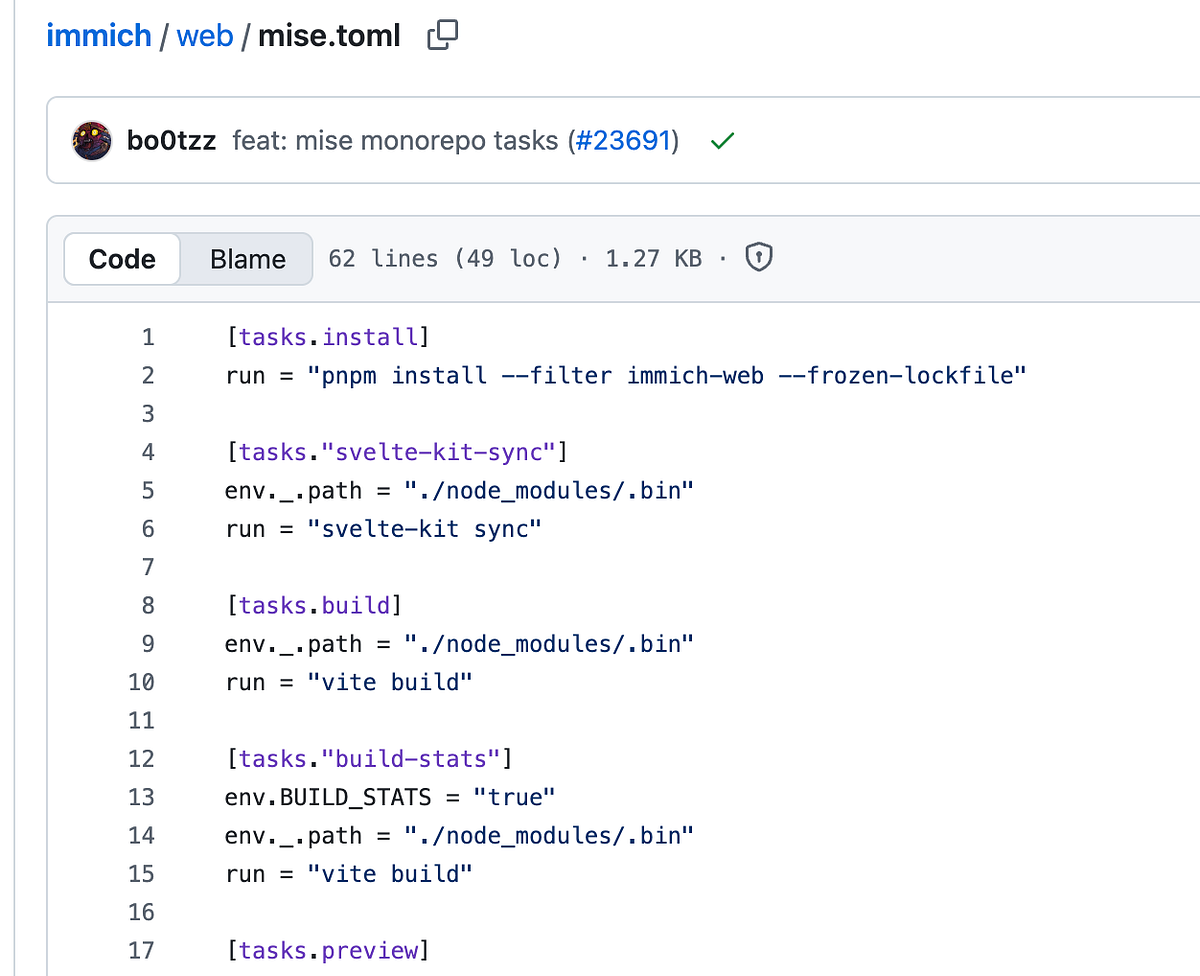
mise.toml configuration file
What is Immich?
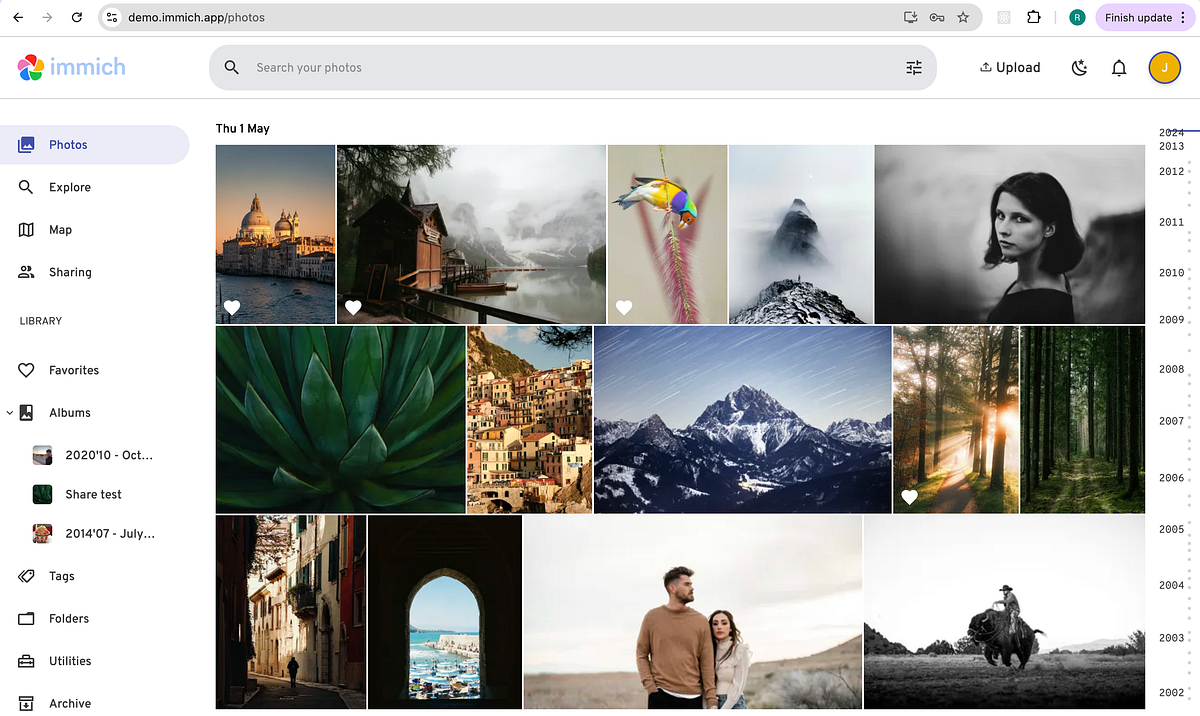
Immich is a self-hosted photo and video management solution. Easily back up, organize, and manage your photos on your own server. Immich helps you browse, search and organize your photos and videos with ease, without sacrificing your privacy.
Check out immich.app
What is Mise?
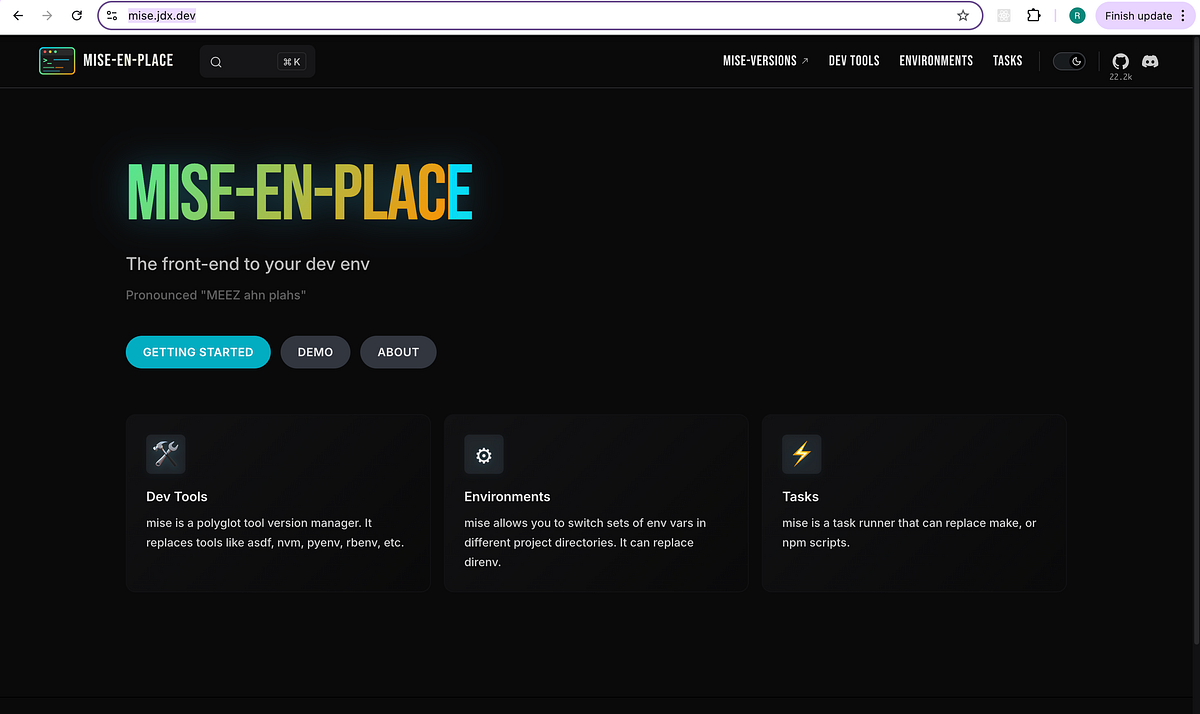
Mise-En-Place is the front-end to your dev env
Features:
1. Dev tools
mise is a polyglot tool version manager. It replaces tools like asdf, nvm, pyenv, rbenv, etc.
2. Environment
mise allows you to switch sets of env vars in different project directories. It can replace direnv.
3. Tasks
mise is a task runner that can replace make, or npm scripts.
The official site is https://mise.jdx.dev
mise.toml configuration file
You can learn how to configure mise for your project with mise.toml files, environment variables, and various configuration options to manage your development environment.
I found the following configuration Immich’s mise.toml
[tasks.install]
run = "pnpm install --filter immich-web --frozen-lockfile"

[tasks."svelte-kit-sync"]
env._.path = "./node_modules/.bin"
run = "svelte-kit sync"

[tasks.build]
env._.path = "./node_modules/.bin"
run = "vite build"

[tasks."build-stats"]
env.BUILD_STATS = "true"
env._.path = "./node_modules/.bin"
run = "vite build"

[tasks.preview]
env._.path = "./node_modules/.bin"
run = "vite preview"

[tasks.start]
env._.path = "./node_modules/.bin"
run = "vite dev --host 0.0.0.0 --port 3000"

[tasks.test]
depends = ["svelte-kit-sync"]
env._.path = "./node_modules/.bin"
run = "vitest"

[tasks.format]
env._.path = "./node_modules/.bin"
run = "prettier --check ."

[tasks."format-fix"]
env._.path = "./node_modules/.bin"
run = "prettier --write ."

[tasks.lint]
env._.path = "./node_modules/.bin"
run = "eslint . --max-warnings 0 --concurrency 4"

[tasks."lint-fix"]
run = { task = "lint --fix" }

[tasks.check]
depends = ["svelte-kit-sync"]
env._.path = "./node_modules/.bin"
run = "tsc --noEmit"

[tasks."check-svelte"]
depends = ["svelte-kit-sync"]
env._.path = "./node_modules/.bin"
run = "svelte-check --no-tsconfig --fail-on-warnings"

[tasks.checklist]
run = [
  { task = ":install" },
  { task = ":format" },
  { task = ":check" },
  { task = ":test --run" },
  { task = ":lint" },
]
You can define tasks in mise.toml files or as standalone shell scripts. These are useful for things like running linters, tests, builders, servers, and other tasks that are specific to a project. Of course, tasks launched with mise will include the mise environment—your tools and env vars defined in mise.toml.
Learn more about Task.
About me:
Hey, my name is Ramu Narasinga. Email: ramu.narasinga@gmail.com
Tired of AI-generated code that works but nobody understands?
I spent 3+ years studying OSS codebases and wrote 350+ articles on what makes them production-grade. I built an open source tool that reviews your PR against your existing codebase patterns.
Your codebase. Your patterns. Enforced.